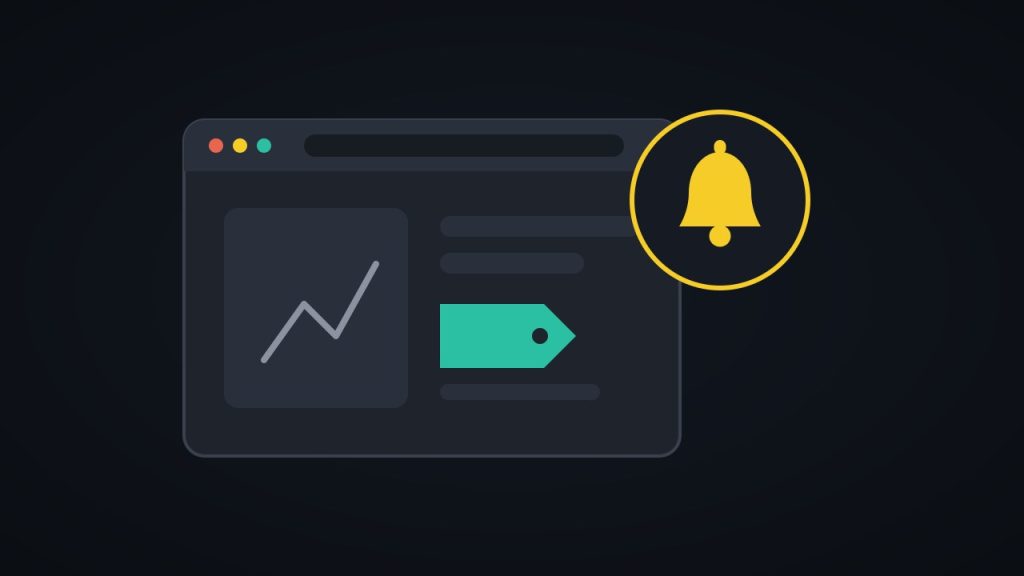
Black Friday is Friday, November 27, and the usual strategy is keeping ten tabs open and hitting refresh to see if anything drops. With iOS 27 you don’t have to: Safari can watch a page for you and send a notification when whatever you asked about changes, whether that’s the price, the stock status, or anything else on the page. Here’s how to set it up and what to keep in mind so it actually works.
What Safari’s Notify Me does
Notify Me arrived on September 14, 2026, with iOS 27, iPadOS 27, and macOS 27 Golden Gate. You’ll find it in the page menu, marked with a bell icon.
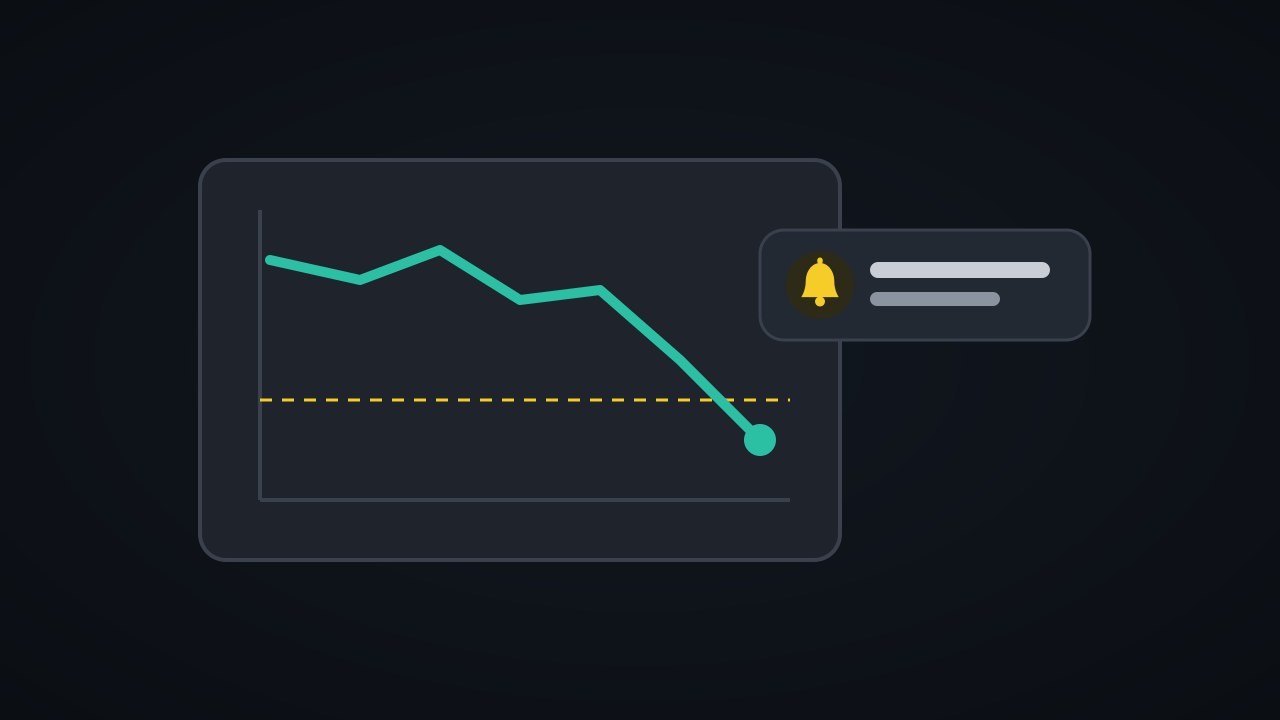
The clever part is that you don’t pick from a fixed list. You tell it in your own words what to look for, like “let me know if the price drops below $200” or “when it’s back in stock,” and Safari checks the page on a schedule. It’s free and doesn’t need an app or extension.
Which iPhones support it
It’s an Apple Intelligence feature, so you need an iPhone 15 Pro, iPhone 15 Pro Max, or any iPhone 16 or later. Older iPhones can run iOS 27, but the option won’t show up. It isn’t part of Siri AI, so it works the same whether or not you use the new Siri.
How to set it up on iPhone
- Open the product page you want to watch in Safari.
- Tap the page menu button (the three-line icon) next to the address bar.
- Tap Notify Me.
- Tap a suggestion, or type what Safari should look for: “tell me if it drops below $200,” “when size M is back in stock”…
- If you like, tap Edit to change how often it checks: hourly, daily, weekly, or monthly. By default it checks once a day, at the time you created the alert.
- Confirm with the blue checkmark and allow Safari to send you notifications.
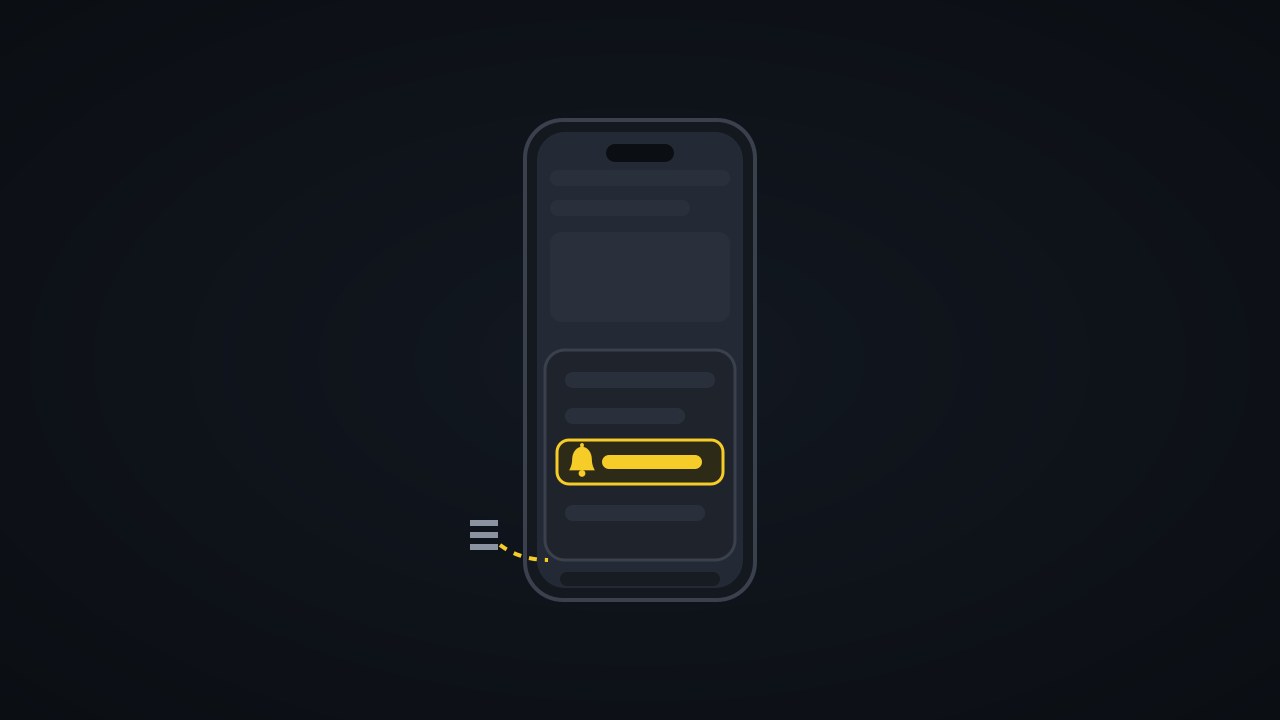
To view, edit, or delete your alerts, go to Settings > Apps > Safari > Notify Me. Every page you’re watching is listed there.
On a Mac it works the same way: open the page in Safari, open the page menu, and choose Notify Me. You can manage alerts in Safari > Settings > Websites.
Ideas for the next few weeks
- Black Friday: set up the alert this week on the product page and give it a target price. If it drops before the 27th, you’ll still hear about it.
- Restocks: sold-out products like the iPhone Duo, which still has long delivery times. Ask Safari to tell you when availability changes.
- Tickets: concerts or games that aren’t on sale yet or have sold out.
- Results and sign-ups: a giveaway winners list, exam results, or open spots at a summer camp.
And if you’re buying gifts early, Apple extends its return window for the holidays. The dates are in Apple’s holiday return policy 2026.
The limits worth knowing
- The page has to be public. If you need to sign in to see the price, Safari can’t watch it.
- It watches that page, not the whole web. Safari won’t go looking for the product at other stores, so set the alert on the specific product page, not the homepage.
- Complicated sites can trip it up. Pages that load content on the fly or show personalized prices may not be detected properly.
- It isn’t instant. At most it checks once an hour, so it’s not the tool for flash deals that last a few minutes.
If you don’t see the option: make sure you’re on iOS 27, that your iPhone is compatible, and that Apple Intelligence is turned on in Settings > Apple Intelligence & Siri.
My take
This is one of those features that never gets a big moment in a keynote but that people actually use. Until now, getting a price-drop alert meant installing an extension, signing up for a price-tracking site, or relying on a store’s emails. Having it built into Safari, and being able to just type a normal sentence, makes it accessible to anyone. My advice: set up alerts now for what you’re planning to buy and let them do the work until the 27th. Worst case, the price just doesn’t drop.
What are you going to use it for? Let me know in the comments or on social media.
Sources: MacRumors, Cult of Mac, TechRepublic (compatible models), iDownloadBlog (settings), Lifehacker Japan (limitations). As of November 14, 2026.