
If your Mac has 256GB of storage, every gigabyte counts. And macOS 27 Golden Gate has a guest that takes up a lot of room: Apple Intelligence’s models, which stay on your drive even if you never use them and take up about 12GB, sometimes more. The catch is that Apple removed the switch that used to turn Apple Intelligence off entirely, so there’s no official way to delete them. That’s where RemoveMacAI comes in.
First, check how much space it’s using
Before you touch anything, see if it’s worth it. Go to System Settings > General > Storage and click the “i” button next to macOS. You’ll see how much space Apple Intelligence is taking. If you have plenty of room, you can probably stop here.
What RemoveMacAI is and what it does
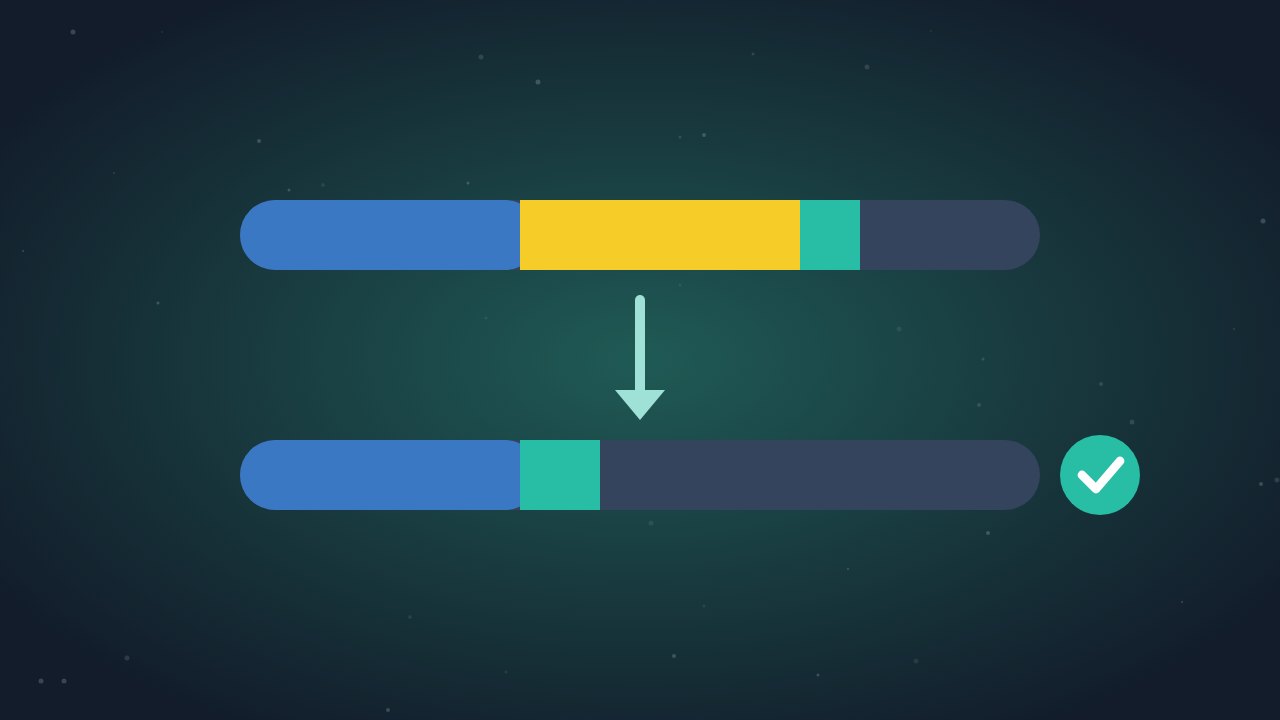
It’s a free, open-source command-line tool published on GitHub by developer Om Lahore (the project is omlahore/RemoveMacAI). It does three things: turns off Apple Intelligence, deletes the downloaded models, and stops macOS from downloading them again, even across system updates. It works on Apple silicon Macs running macOS 27.
How much you get back depends on your Mac: around 12GB on average, with some users reporting more than 20GB, since the models can grow over time. And if you change your mind, the same script undoes everything.
What you give up
It isn’t free in terms of features. Without the models, you lose, among other things:
- Siri’s AI features.
- Writing Tools, Genmoji and Image Playground.
- ChatGPT integration.
- Summaries, smart replies and inline predictions.
- Clean Up in Photos and spatial photos.
- Xcode’s predictive code completion.
The risks
To be clear: RemoveMacAI has nothing to do with Apple and is meant for people comfortable with Terminal. If you’ve never opened Terminal, a tool that changes system behavior isn’t the place to start. Back up with Time Machine first, and if you’re unsure, leave it alone.
Meanwhile, Apple Intelligence keeps expanding: last week I covered how testing in China now includes iPad and Mac in the 27.3 betas.
My take
The fact that a tool like this exists says a lot: Apple should let people choose. Removing the master switch and leaving 12GB on the drive of someone who never uses AI doesn’t make much sense, especially on 256GB Macs. That said, I’d only use it if you’re really tight on space: Writing Tools and Clean Up in Photos are genuinely useful, and a third-party tool that changes how macOS downloads its components could cause surprises with future updates. If you do use it, know what you’re doing and have a backup.
Do you use Apple Intelligence on your Mac, or would you rather have the space? Let me know in the comments or on social media.
Sources: MacRumors, RemoveMacAI on GitHub, Korben, GadgetReview. As of November 18, 2026.