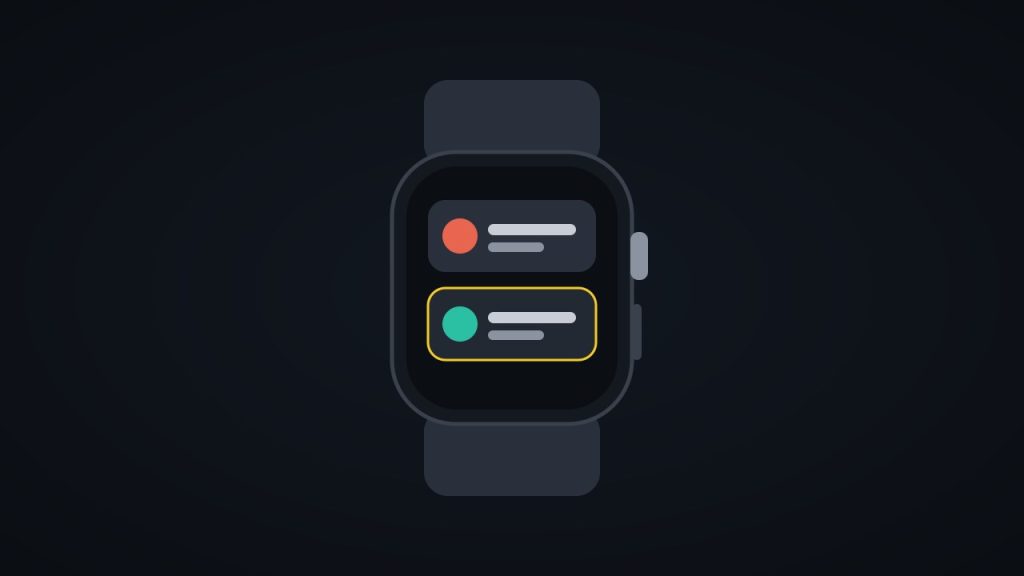
Siri AI on your wrist is the headline feature of watchOS 27, but it isn’t the only change. watchOS 27 also brings a handful of smaller updates that change how you use your Apple Watch every day. Here are six worth trying, including if you’re unwrapping or gifting an Apple Watch this holiday season.
Which Apple Watch models get watchOS 27
watchOS 27 came out on September 14, 2026, and runs on Apple Watch Series 9 or later, Ultra 2 or later, and SE 3, paired with an iPhone 11 or later running iOS 27. The original Ultra, Series 6, 7, and 8, and the second-generation SE are left out.
1. The new tap gesture for widgets
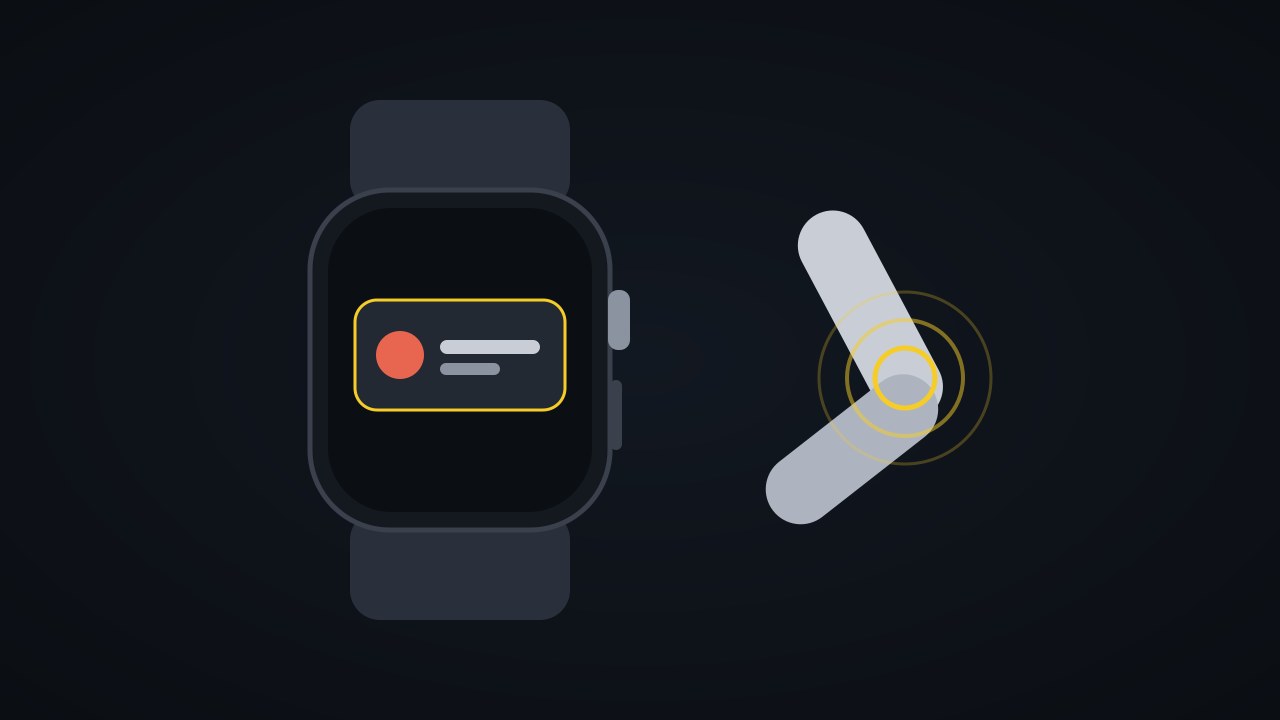
Double tap (pinching your thumb and index finger twice) now has a partner: a single tap. Double tap opens the widget stack and moves to the next widget; a single tap interacts with the one on screen, like checking your heart rate, starting a suggested workout, or pausing music. It’s all one-handed, which helps when your other hand is full. You can customize it or turn it off in Settings.
2. A new app screen on the Digital Crown
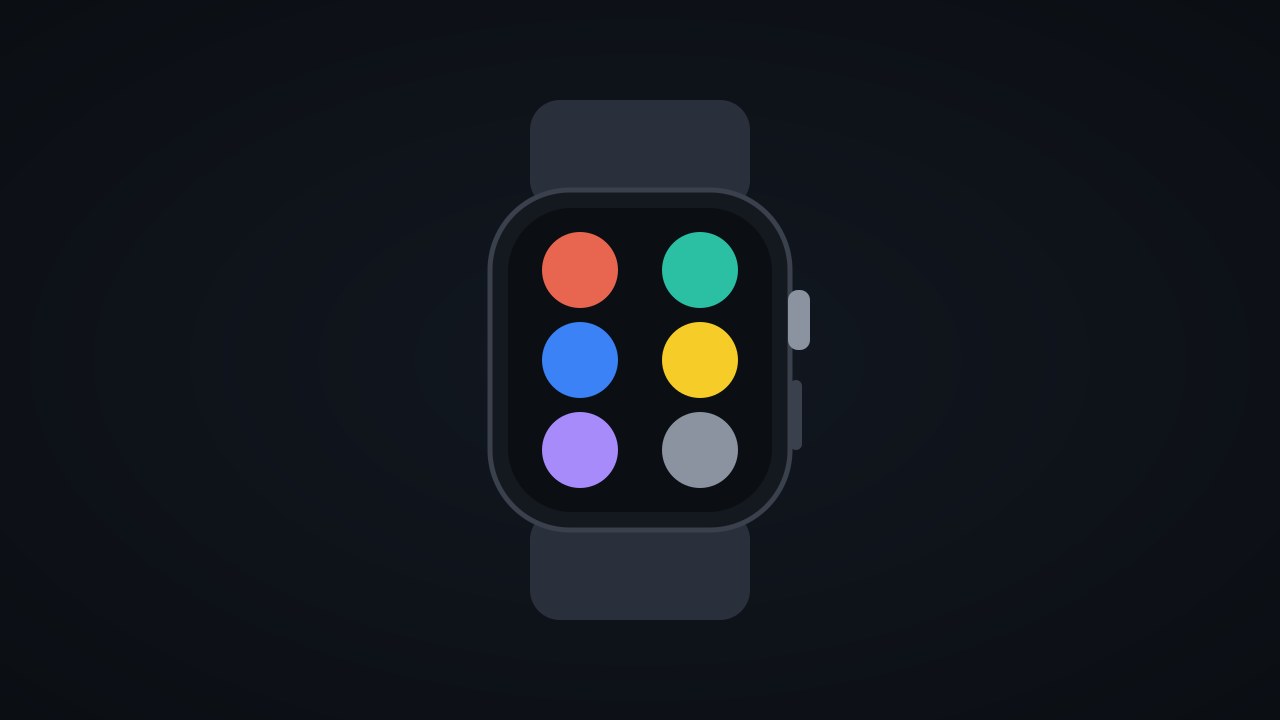
Pressing the Digital Crown no longer drops you straight into the old app grid. Instead, you get six suggested apps based on what you’ve used most and most recently. If Siri AI is turned on, the Siri app takes the center spot. Press again to go back to your watch face. To see every app, press the Crown and swipe up, or tap the icon that opens the full list.
3. Find My, in a single app
The watch used to have three separate apps for people, items, and devices. Now there’s one Find My app, just like on iPhone, with a map front and center.
4. Precision Finding from your wrist
From that Find My app, your Apple Watch can guide you with arrows and distance to your paired iPhone, a second-generation AirTag, or AirPods Pro 3. Perfect for when your iPhone has slipped between the couch cushions again.
5. Automatic battery suggestions
watchOS 27 spots features you don’t use, like Start Workout reminders, gestures, or Raise to Speak, and lets you know when it turns them off to save battery. If you want to keep one, you can leave it on. It’s worth checking those notices for the first few days so nothing you actually use gets switched off.
6. Workout Buddy without your iPhone
Workout Buddy no longer needs your iPhone nearby: it runs right on the watch, so you can head out for a run phone-free. It also now speaks Spanish as well as English, and it adds insights on your pace, distance, and progress through the workout.
Bonus: two Health changes
- Step counts in the Fitness app now match the Health app on your iPhone.
- Cycle Tracking can notify you when your logged cycles suggest perimenopause, and lets you log related symptoms.
What about Siri AI on Apple Watch?
watchOS 27 brings Siri AI and a dedicated Siri app, with conversations that sync across your devices. On the watch, though, Siri AI leans on your iPhone: you need an iPhone running iOS 27 with Siri AI nearby. If you’d rather use it in Spanish, here’s how Siri AI works in Spanish with iOS 27.2. The six tricks above don’t depend on Siri AI at all. And if you have a Series 12 or Ultra 4, here’s how to make it alert you to the doorbell, alarms or a crying baby.
My take
Siri AI got all the attention, but the smaller changes are what you’ll notice every time you raise your wrist. The single tap and the suggested-apps screen change how you get around the watch, and putting Find My in one app was overdue. My favorite is Workout Buddy without an iPhone: heading out for a run with just the watch is exactly what a lot of people wanted.
Which of these do you use most? Let me know in the comments or on social media.
Sources: 9to5Mac, MacRumors, Apple Support (watchOS 27 release notes), iClarified (release notes), Gear Patrol (compatibility), MacStories (Siri AI and iPhone). As of November 14, 2026.