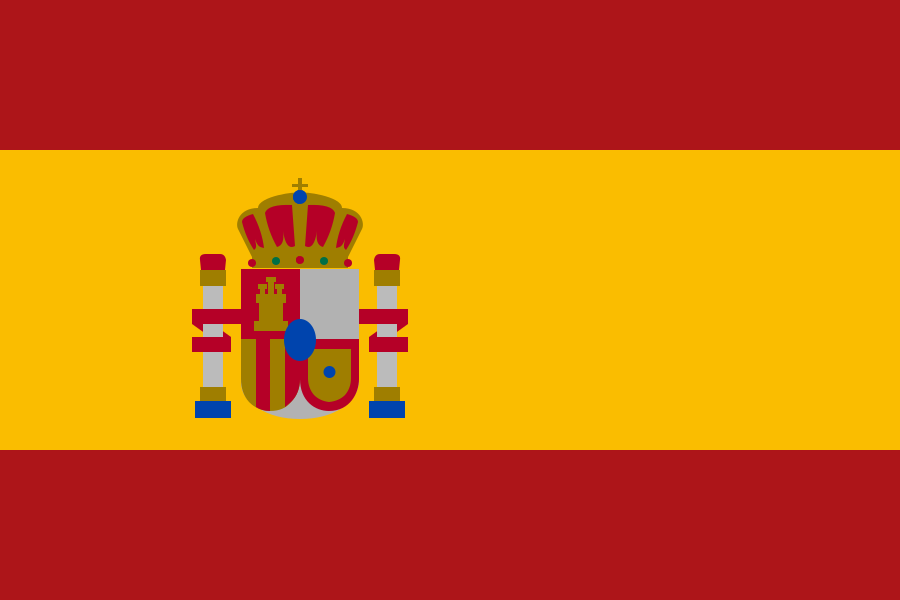

iOS 27.2 is here, and with it Siri AI now understands and speaks Spanish, along with French, Japanese, Korean and Portuguese. For the millions of people in the US who use their iPhone in Spanish, it’s great news. For those of us living in Spain, the bad news is what we already suspected: on the iPhone it’s still blocked in the European Union. So let’s look at what you can do now, where, and on which device.
What changes with Siri AI
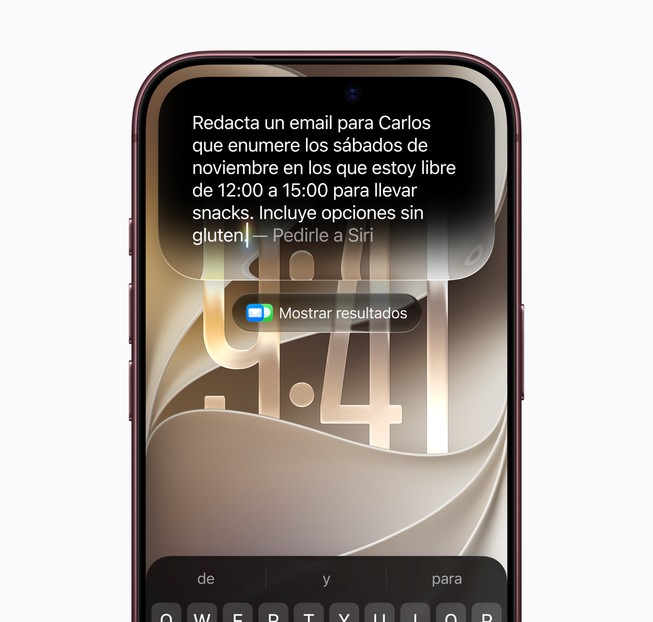
Siri AI isn’t a tweak of the old Siri. It’s the assistant rebuilt on large language models: it understands what you ask even if you stumble over your words, keeps the thread of the conversation and, with iOS 27.2, also remembers previous conversations so you don’t have to repeat the context. It can also use your personal context (emails, messages, calendar) and take action inside apps.
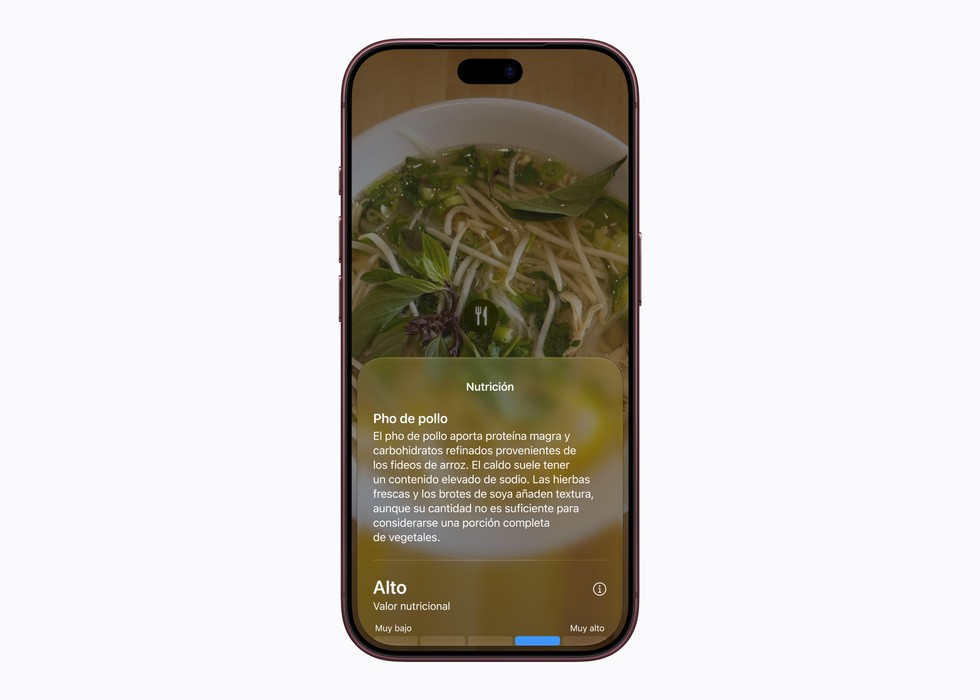
The Spanish version supports both the Spain and the Mexico variants, so you won’t have to fight with accents or local expressions.
Where it works and where it doesn’t
- US: Siri AI was already available in English, and now you can also use it in Spanish on compatible iPhone, iPad, Mac and Apple Watch models.
- Latin America: it works on compatible iPhone, iPad, Mac and Apple Watch models. If you’re in Mexico, Argentina, Colombia, Chile or any other country in the region, you just need to update.
- Spain and the rest of the EU: blocked on iPhone, iPad and Apple Watch. It does work on the Mac, just as happened with Apple Intelligence at first.
- Under-13s: they don’t have access, and Apple applies daily usage limits for everyone.
Compatible devices
- iPhone 15 Pro or later.
- Mac with Apple silicon (M1 or later).
- iPad with M1 chip or later, or iPad mini with A17 Pro.
- Apple Watch Series 9 or later.
How to switch Siri AI to Spanish
On the iPhone, update to iOS 27.2 in Settings > General > Software Update. Then go to Settings > Apple Intelligence & Siri > Language and choose Spanish (Mexico) or Spanish (Spain). On a Mac with an M-series chip, update to macOS 27.2 in System Settings > General > Software Update and change the language in System Settings > Apple Intelligence & Siri. In Spain, the Mac is the simplest way to try it today, with no tricks.
The US account trick in Europe (and what you lose)
In Europe, a trick is going around social media: switching your Apple Account and iPhone region to the US to unlock Siri AI. It works, but it isn’t free: to change your account’s region you have to cancel your Apple subscriptions (Apple Music, iCloud+, Apple TV+, Apple One…), spend any remaining balance, and some apps from your local App Store will stop updating. Plus, Apple can close the door at any time. My advice: if you’re not sure, don’t do it on your main iPhone.
More new features in iOS 27.2
- Smart suggestions in Messages.
- Profiles in the Apple TV app.
- A new black-and-white icon for Apple Music.
- Call Context, so you know what a call is about.
- SynthID watermarks on AI-generated images.
- More than 160 security fixes.
What’s not here yet is the new Health app. For that we’ll have to wait for iOS 27.3, whose first beta is expected in early November and its final release in mid-December.
Update: Apple has now confirmed that the iOS 27.3 beta arrives this week. I cover what it brings in the iOS 27.3 beta with Apple Intelligence in China.
My take
For Spanish speakers in the US and Latin America, it’s great news: Siri AI in Spanish is probably the biggest change Siri has had since it was born. For Spain it’s bittersweet once again. Having the new Siri on the Mac is nice, but where you really want it is on the iPhone, and there we’re still waiting for Apple and Brussels to come to terms. I’m going to test it thoroughly on the Mac these days and I’ll tell you how well it holds up in Spanish compared with the English version.
Update (Nov. 4, 2026): the iOS 27.3 beta adds new Siri AI actions in many apps, though in the EU it’s still not available on the iPhone. You’ll find it in everything new in iOS 27.3.
Sources: Apple Newsroom, MacRumors, 9to5Mac, Applesfera.