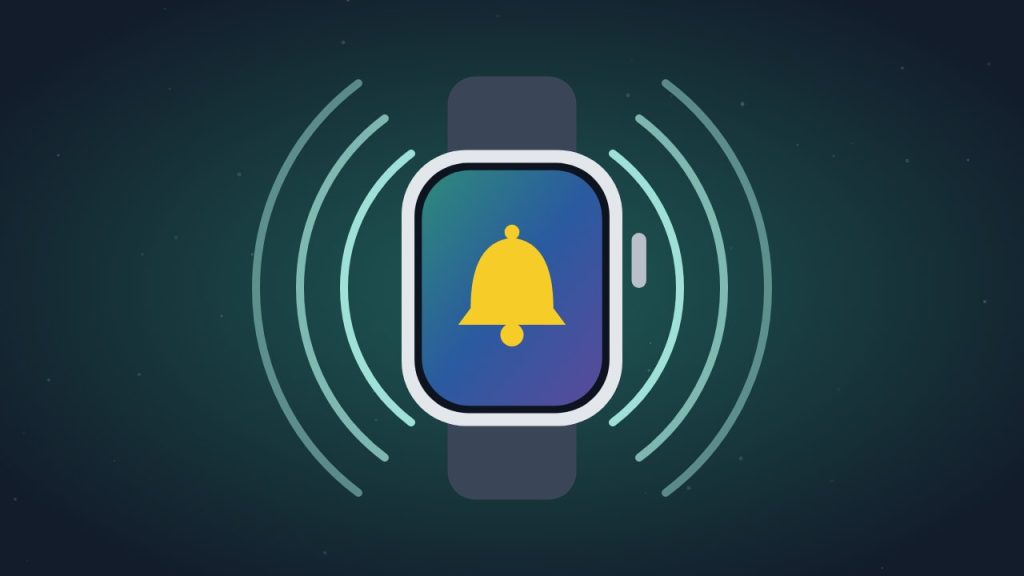
You’re wearing noise-cancelling AirPods, you’re waiting on a delivery, and you miss the doorbell. It happens to everyone, and for people who are deaf or hard of hearing it’s an everyday problem. Sound Recognition, which the iPhone has had for years, now works on Apple Watch Series 12 and Apple Watch Ultra 4, so the alert reaches your wrist even if your iPhone is in another room. Here’s how to set it up.
What you need
- An Apple Watch Series 12 or Apple Watch Ultra 4. Older models don’t have it on the watch.
- Paired with an iPhone 11 or later, or an iPhone SE (2nd generation or later).
- The iPhone running iOS 27.
If you already use Sound Recognition on your iPhone, it turns on for your watch automatically. If not, it takes four steps.
How to turn it on
- On your iPhone, open Settings and tap Accessibility.
- In the Hearing section, tap Sound & Name Recognition.
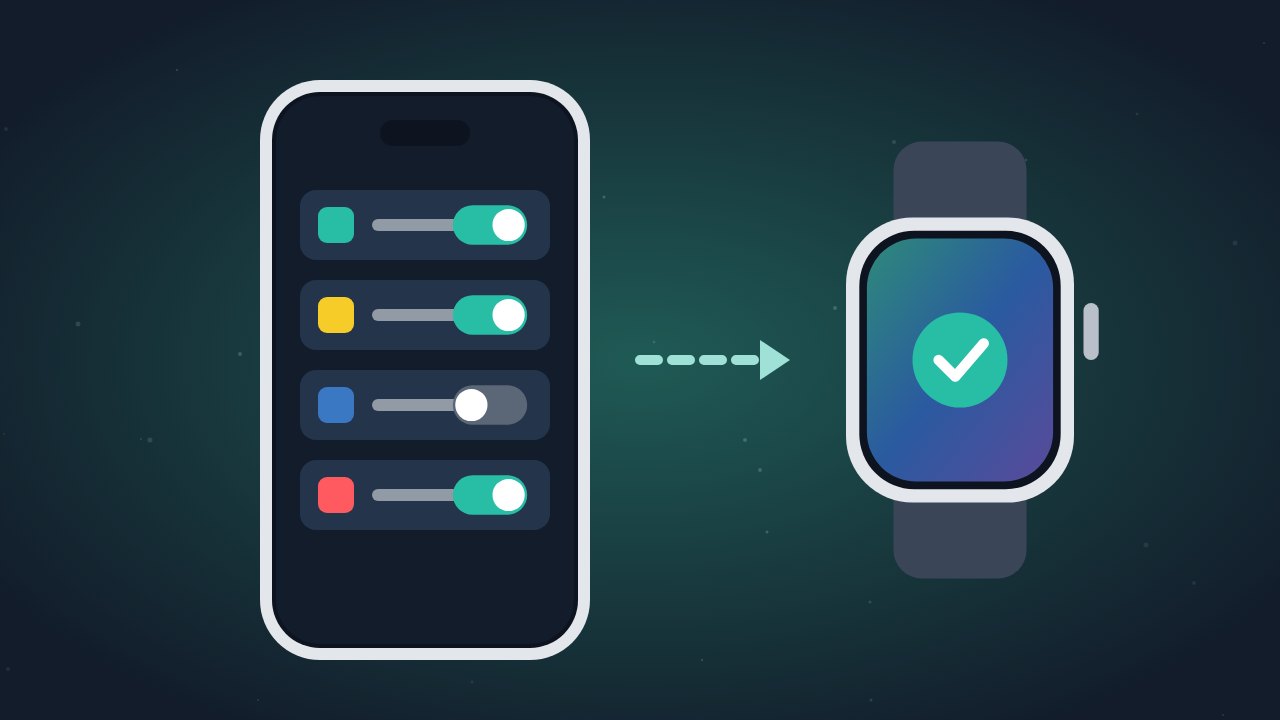
- Tap Sound Recognition, turn it on, then turn on Detect using Apple Watch.
- Tap Sounds and turn on the ones you want, like Doorbell. You can pick a different alert tone for each one, so you know what went off without looking.
Which sounds it detects
There are 15: Fire Alarm, Siren, Smoke Alarm, Cat, Dog, Appliances, Car Horn, Doorbell, Door Knock, Glass Breaking, Kettle, Water Running, Baby Crying, Coughing and Shouting. Your watch listens for whichever ones you turn on in the iPhone’s list.
If your doorbell or washer sounds unusual and isn’t recognized, you can train a Custom Alarm or a Custom Appliance or Doorbell from the same list.

Privacy and limits
Apple says Sound Recognition is processed on your Apple Watch and iPhone and doesn’t record or store audio. It isn’t a safety system, though: Apple says not to rely on it in high-risk or emergency situations. Keep your smoke detector doing its job.
Sound Recognition is one of four Audio Intelligence features on the new watches. The other two that use Siri AI, Live Rewind and Siri Recap, are rolling out in beta in English. If you want more watch tips, check out these 6 watchOS 27 tricks.
My take
This is one of those features that barely gets a mention on stage and ends up being one of the most useful. For anyone with hearing loss it’s a real change, because the alert lands on your wrist instead of depending on a phone in your pocket. It’s handy for everyone else too: working with headphones on, napping while the baby sleeps in the next room, or not missing the delivery driver. My advice: turn on only the sounds you actually care about. Switch on all fifteen and your watch will buzz more than you’d like.
Will you use it for the doorbell or something else? Let me know in the comments or on social media.
Sources: MacRumors, Apple Support (Audio Intelligence on Apple Watch), Apple Watch User Guide. As of November 18, 2026.