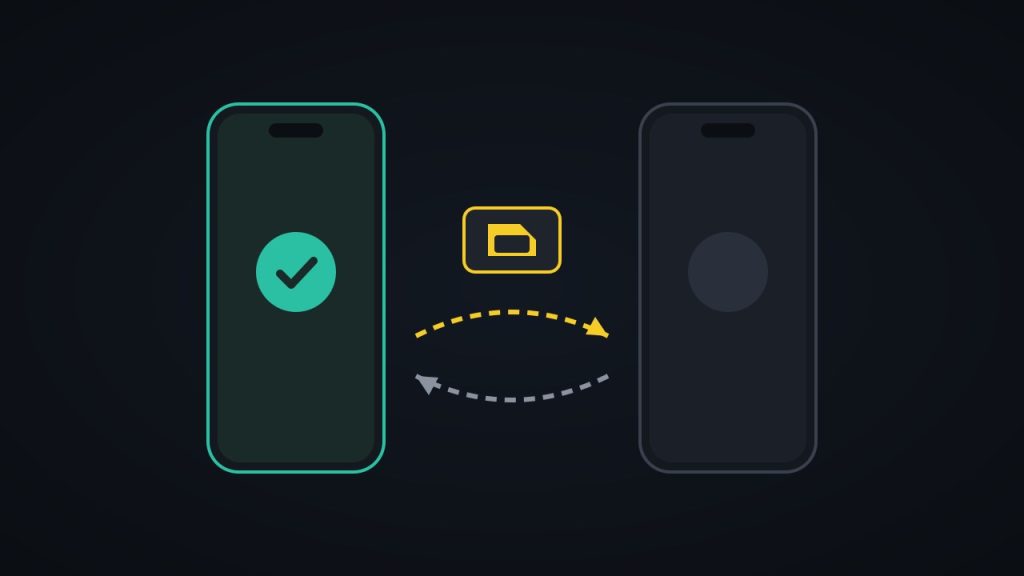
If you carry two iPhones, for work and personal use or because you picked up an iPhone Duo and didn’t want to retire your old one, you know the problem: your number lives on one of them. iOS 27 adds iPhone Handoff, which lets you use the same number on two iPhones and moves it to whichever one you unlock. Here’s how it works, how to set it up, and what to watch out for.
What iPhone Handoff is
- One number, two iPhones. The number is active on only one at a time; they aren’t two separate lines.
- Switching means unlocking. When you unlock the other iPhone, calls, voicemail, messages (iMessage, RCS, SMS, and MMS), and your Find My location move to it, and it shows a “Switched to this iPhone” message.
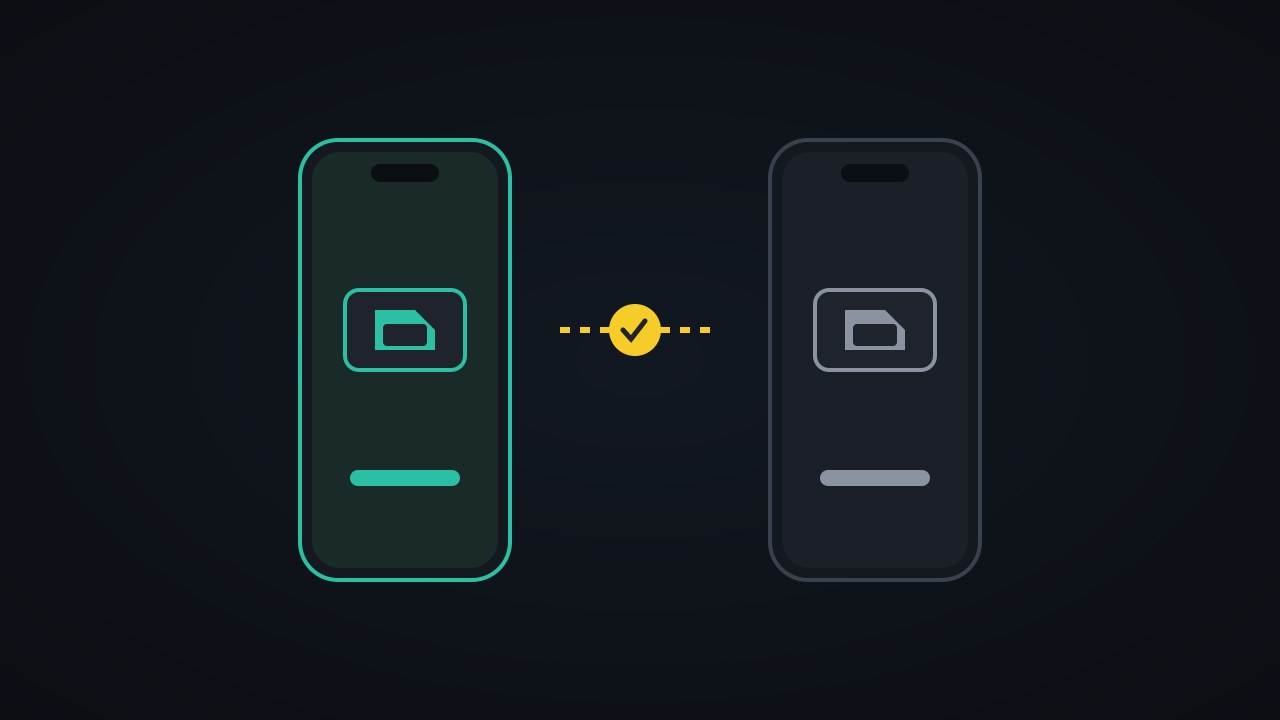
- It runs on eSIM. Your main iPhone keeps its usual eSIM, and the second one gets a companion eSIM tied to the same number.
- It’s the opposite of Dual SIM. Dual SIM is two numbers on one iPhone; Handoff is one number on two iPhones.
It has nothing to do with the existing Handoff feature that lets you start something on your iPhone and pick it up on your Mac.
What you need
- Two iPhones running iOS 27 or later, connected to Wi-Fi and signed in to the same Apple Account.
- Messages in iCloud turned on, and FaceTime and iMessage signed in with the same Apple Account on both.
- A supported carrier. If you use Dual SIM, both eSIMs have to come from supported carriers.
Carriers and pricing
- T-Mobile: supported, for $5 a month.
- Verizon: coming later in 2026, no price announced yet.
- AT&T: hasn’t committed to supporting it.
- Outside the US: Deutsche Telekom offers it in Germany, and EE will add it in the UK later this year.
How to set it up
- On a new iPhone: on the Set Up Cellular screen, choose “Use Number on This Phone and Another,” then follow the prompts on both phones.
- On iPhones you already use: on the phone you’re adding, go to Settings > Cellular, tap Set Up Cellular (or Add eSIM), choose “Use Number on This iPhone and Another,” and follow the prompts. Pick which one is the main iPhone (ideally the one you use most) and which is the secondary.
- After that, just unlock either iPhone to make the number active on it.
The limits
- Apple Watch: it doesn’t switch which iPhone it’s paired with when your number moves. Pair it with the iPhone you use most.
- Wallet: some items, like certain transit passes and IDs, may work on only one device at a time.
- Your carrier account: account management, Call Forwarding, and Caller ID stay tied to the main iPhone.
- Banking apps: some may ask you to approve access on the other iPhone.
- Canceling: you have to contact your carrier. Deleting the eSIM from the iPhone may not stop the charges.
If you replace one of the two iPhones, put the new one next to your other devices, go to Settings > Cellular, tap Set Up Cellular or Add eSIM, pick the iPhone the line is coming from, and tap Transfer. If the old one is getting sold, check what to do before you sell or give away your iPhone first. And for more iPhone Duo tips, here’s how to let someone join your FaceTime call on the outer display.
My take
For anyone juggling two iPhones, this is one of the most practical ideas in iOS 27, and it fits the iPhone Duo perfectly, since a lot of people use it as a second iPhone. The catch is the same as always with carrier features: it’s rolling out slowly, and only T-Mobile offers it in the US for now. At $5 a month, it’s $60 a year, which makes sense if you switch phones every day. If you only grab the second iPhone now and then, Wi-Fi plus iMessage and FaceTime will cover most of what you need.
Would you use it? Let me know in the comments or on social media.
Sources: MacRumors (guide, September 23, 2026), MacRumors (carriers), 9to5Mac, TechRepublic. As of November 14, 2026.