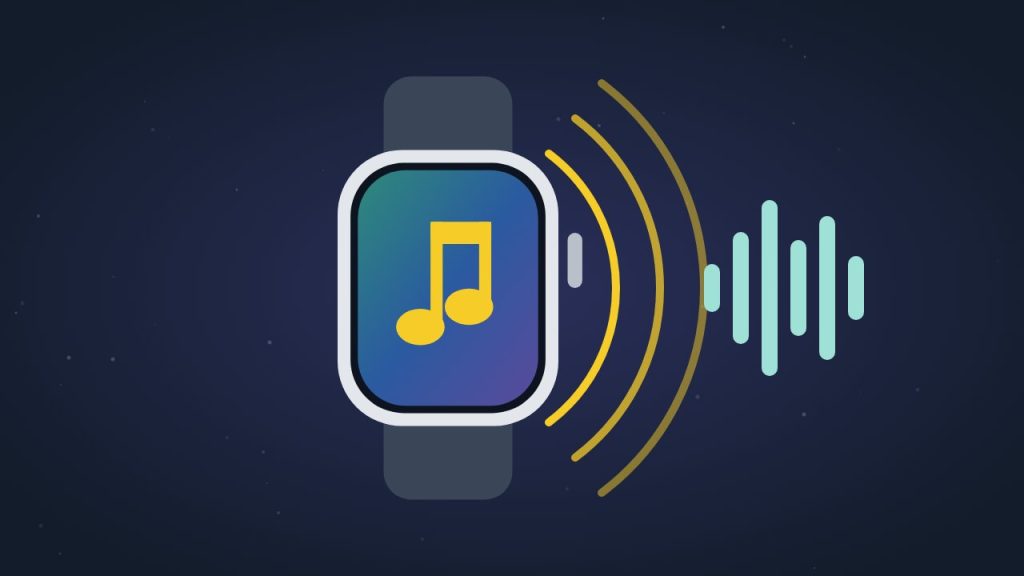
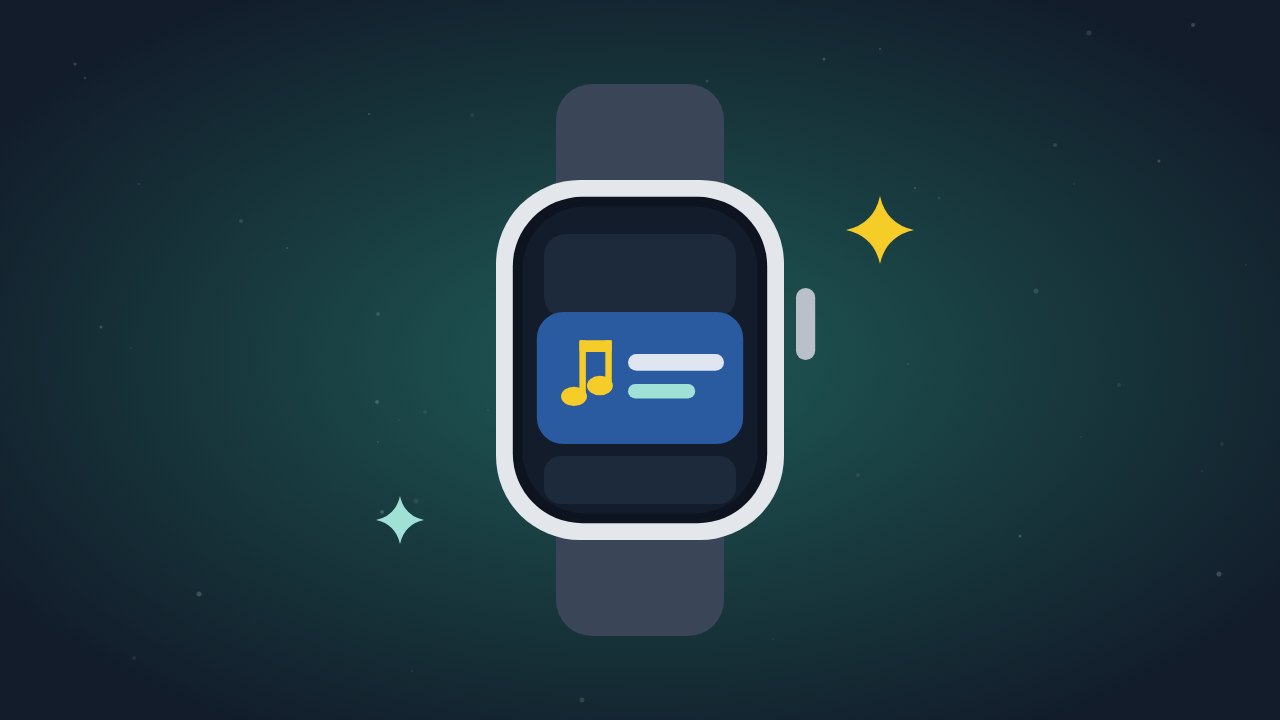
You’re in a store, a bar or a friend’s car, a song you love comes on, and by the time you pull out your phone and open Shazam it’s over. On Apple Watch Series 12 and Ultra 4 you don’t have to do anything: the watch recognizes music playing around you and shows the title and artist in the Smart Stack. The song doesn’t need to play on the watch. It just needs to be audible nearby.
What you need
- An Apple Watch Series 12 or Ultra 4.
- Paired with an iPhone 11 or later (or iPhone SE 2nd generation or later) running iOS 27.
It’s one of the features Apple groups under Audio Intelligence on the new watches, and automatic detection relies on these models’ always-on processor. On an older Apple Watch, you can still identify songs manually with the Music Recognition app, just not automatically.
How to use it
- Swipe up from the watch face, or turn the Digital Crown up, to open the Smart Stack.
- Check the Music Recognition widget. Once it identifies the song, it shows the title and artist.
- Tap it to save the song to your Shazam history or your Apple Music library.
The first time the widget shows up, tap Enable Music Detection. If you don’t get that prompt, you can do it manually: open Settings on the watch, tap Smart Stack, and turn on Music Detection.
Is it always listening? What about privacy
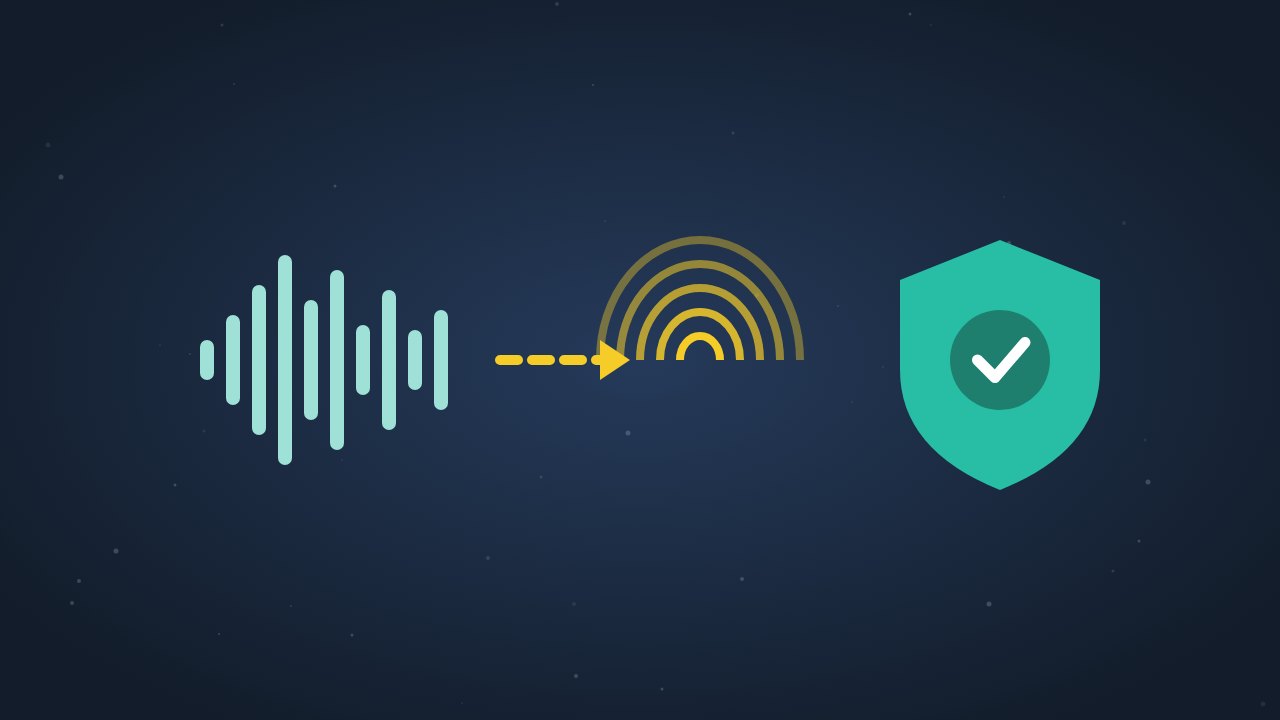
Fair question. Apple says no audio is recorded or stored: sound is processed in a protected area of the watch, and the only thing sent to Shazam’s servers is an acoustic signature of the song, a kind of fingerprint that Apple says can’t be turned back into the original audio.
If you just got a new watch, here are more watchOS 27 tricks, and yesterday I showed how to make it alert you when the doorbell rings.
My take
Google’s Pixel phones have done this for years, and I’ve always thought it’s one of those small features that makes your day. I like that Apple put it on the watch, which is exactly where it makes sense: nothing to pull out, nothing to press. The acoustic signature approach is reassuring, but I get why some people would rather turn it off; you can do that from the same Smart Stack setting. What I’d like to see is support for older Apple Watch models, even at the cost of some battery life.
What was the last song you Shazamed? Let me know in the comments or on social media.
Sources: MacRumors, Apple Support (Audio Intelligence on Apple Watch), Apple Watch User Guide (Music Recognition). As of November 18, 2026.