
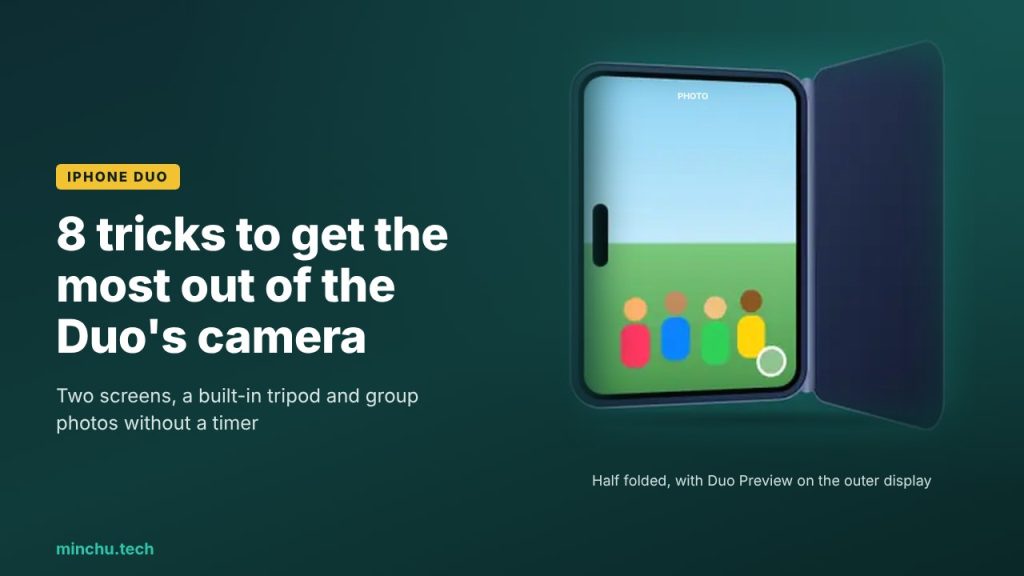
The iPhone Duo doesn’t have the most complete camera in the lineup (that title still belongs to the 18 Pro), but it has something no other iPhone can offer: two displays and the ability to stand up on its own when half folded. That completely changes the way you take photos and videos.
If you already have one or are thinking about buying it, these are the 8 camera tricks that make the most of its design. At the end I’ll leave you a summary of what it has and what it doesn’t.
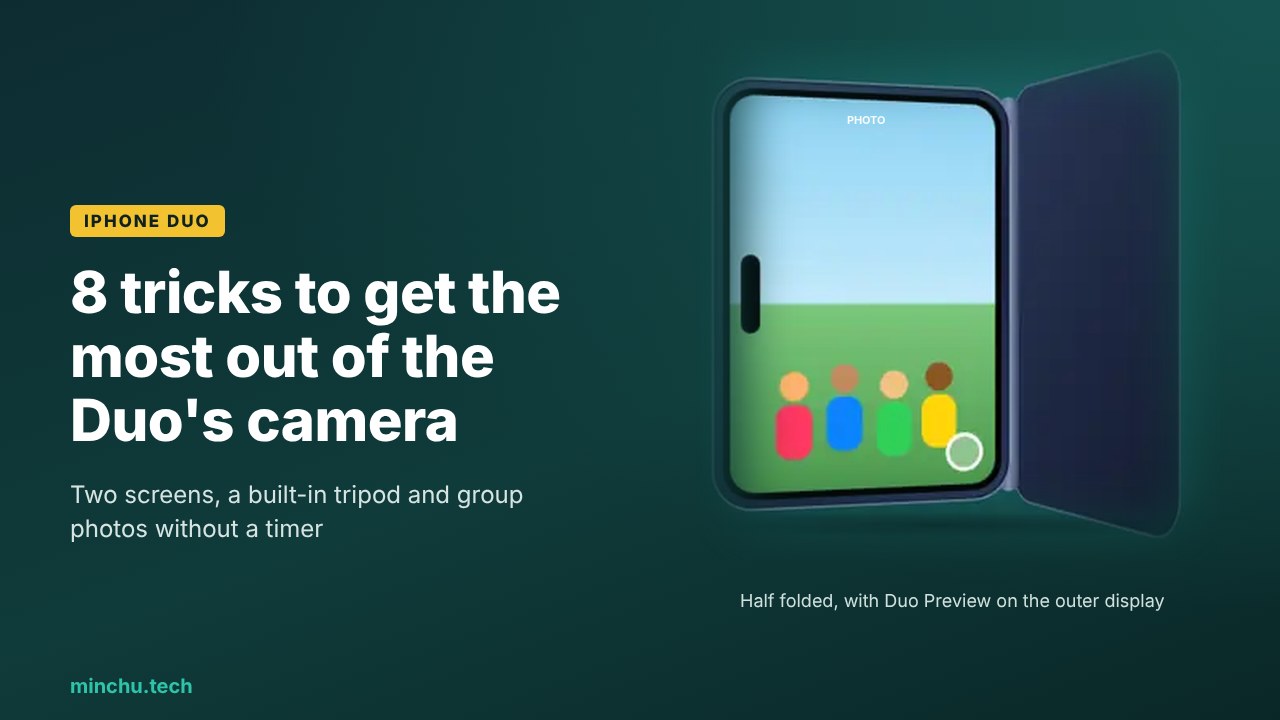
1. Smart Take: group photos without a timer
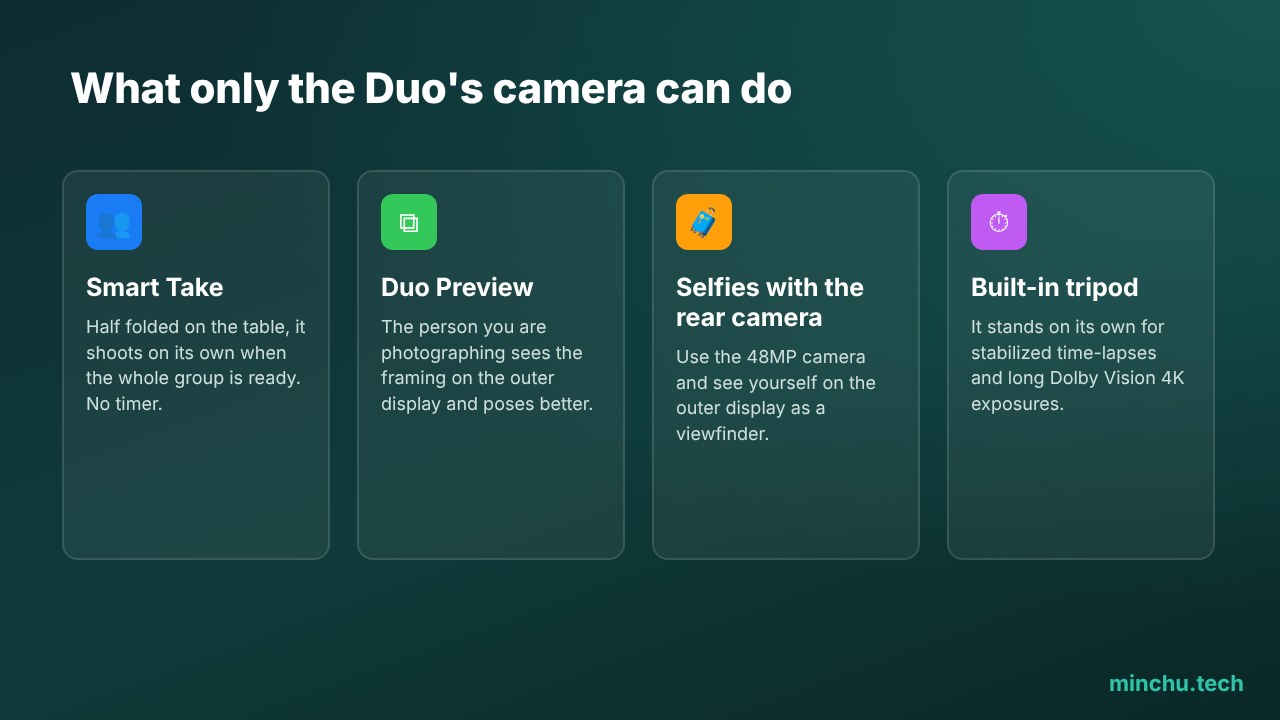
It’s my favorite feature. Leave the Duo half folded on a table, get in with the group and wait. AI detects when everyone is ready (you included) and takes the shot on its own. No more racing to get in place before the 10-second timer goes off.
2. Duo Preview: let them see themselves before the photo
With Duo Preview, the preview appears on both displays at once. You frame the shot on the inner one, and the person you’re photographing sees themselves on the outer one, so they can adjust their position, fix their hair or change their pose without you having to give directions. In portraits, it makes a huge difference.
3. Kid Cue: so little ones look at the camera
Anyone who has tried to photograph a toddler knows how hard it is to get them to look at the camera. Kid Cue shows cartoon animations (from Peanuts) on the outer display to catch their attention right when you take the photo.
4. Selfies with the 48MP rear camera
Since there’s a display on the outside, you can use it as a viewfinder and take selfies with the 48MP main camera instead of the front one. The difference in quality, especially in low light, is huge. If you’re taking a profile picture or a photo for social media, always use this trick.
5. Use it as a tripod: time-lapses and long exposures
The folding mechanism works as a built-in tripod. Half folded, the Duo stands on its own, so it’s perfect for shooting a stabilized 4K Dolby Vision time-lapse of a sunset or for long exposures without moving it. It also works for filming yourself or making video calls without holding it.
6. Smart focus that doesn’t lose your subject
When shooting video, smart focus tracking keeps the subject in focus and, if they leave the frame and come back, picks them up again automatically. Ideal for filming kids or pets who won’t sit still.
7. Add the Cinematic effect after shooting
Cinematic mode records up to 4K at 60 fps, but the best part is that you can add the blur effects afterward, even if you shot in regular video mode. That way you don’t have to decide before you hit record. And if you want the very best, the Duo records 4K at 120 fps in Dolby Vision.
8. Photographic Styles with texture and grain
Photographic Styles now include texture and grain controls. If you like the film look, create your own style with some grain and use it by default: your photos will have personality without third-party filters.
Bonus: two-screen FaceTime
It’s not photography, but it deserves a mention: with Duo FaceTime, someone next to you can join the call using the outer display while you use the inner one. For calling the grandparents as a family, it’s wonderful.
What the Duo’s camera has and doesn’t have
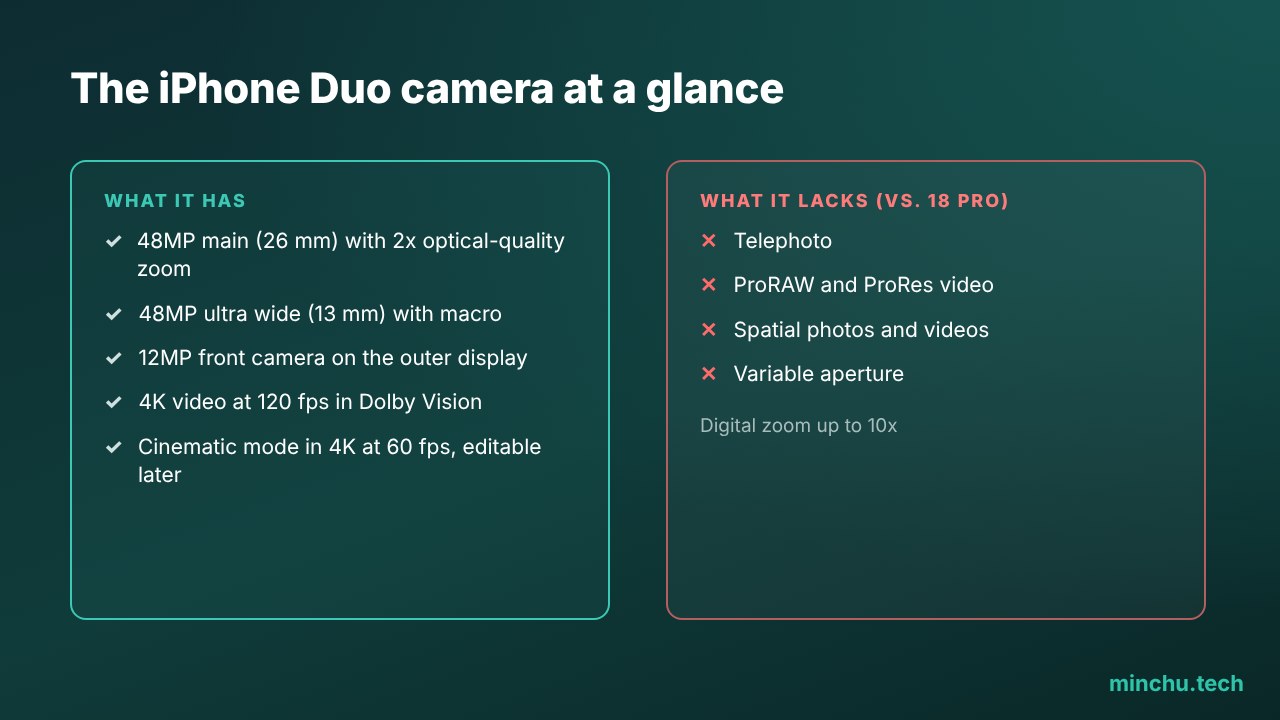
The Duo has a 48MP main camera (26 mm, with 2x optical-quality zoom at 52 mm), a 48MP ultra wide (13 mm) that also does macro, a 12MP outer front camera and a 1080p under-display camera on the inner screen. Digital zoom goes up to 10x.
Compared with the iPhone 18 Pro, it lacks the telephoto, ProRAW, ProRes video, spatial photos and videos and variable aperture. If photography is your absolute priority, the Pro is still the better choice. If you’re after versatility, the Duo has tricks the Pro can’t match.
My take
On paper, the Duo’s camera looks like a step back from the Pro. In daily use, it’s the other way around: Smart Take and selfies with the rear camera mean I take better group photos and better portraits than with any other iPhone. Apple has understood that the foldable format isn’t about having more lenses, but about using the ones it has in a different way.
Which of these tricks are you going to try first? Do you miss the telephoto on the Duo? Let me know in the comments or on social media.
Sources: MacRumors. Illustrations: Minchu.tech.