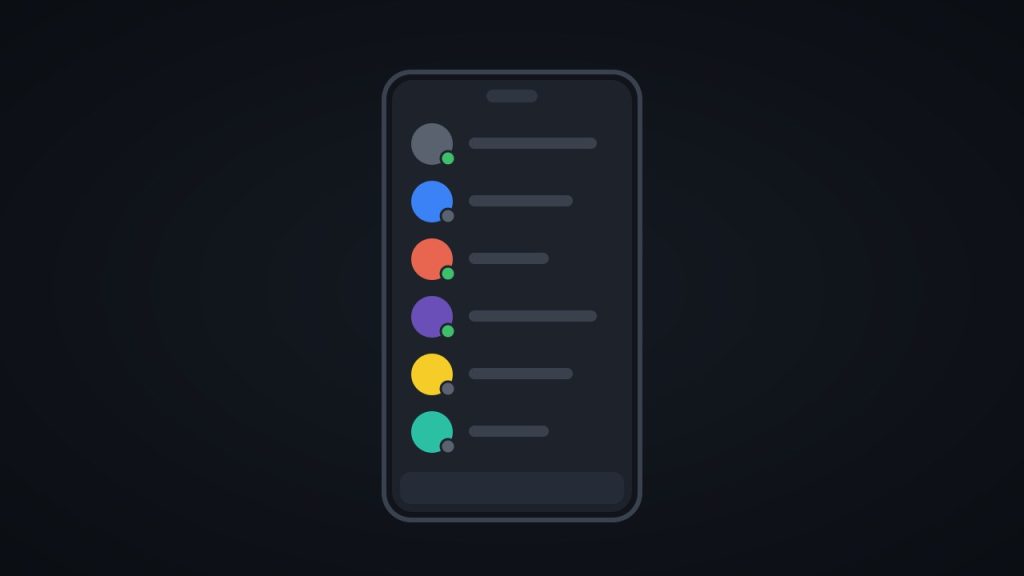
WhatsApp’s bottom bar on iPhone may be about to change. WhatsApp beta 26.44.10.70 for iOS, available on TestFlight, replaces the Communities tab with a new Contacts tab that shows who’s online. For now, only some beta testers see it.
What the Contacts tab does
- Who’s online: see at a glance which contacts are online without opening a chat.
- All in one place: your favorite contacts and the full list together, and you can start a conversation right from there.
- Sorting: in the Android beta you can sort by activity, alphabetically or by birthday.
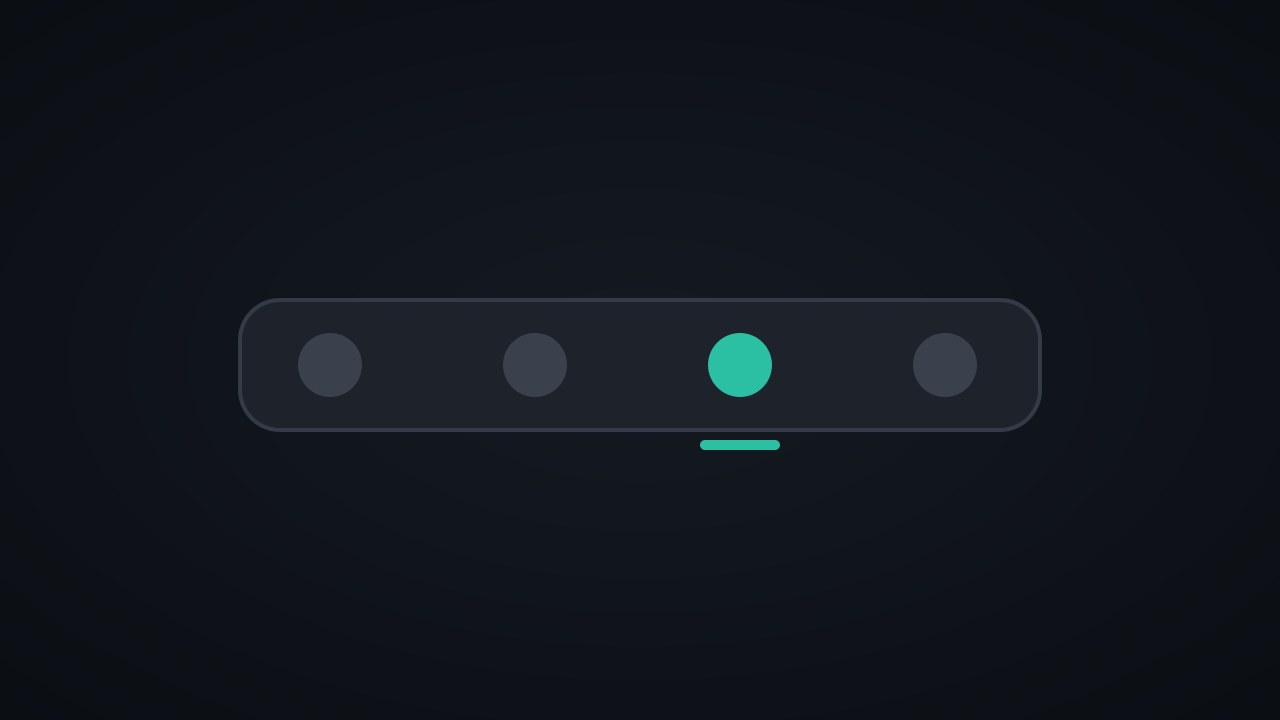
What about Communities?
They’re not going anywhere. WhatsApp already added a filter in the Chats tab for your communities, so a dedicated tab was no longer needed. The company is also testing other layouts, such as Contacts eventually replacing the Updates tab, but this beta only changes Communities.
If you’re on the beta and don’t see it yet, hang tight: WhatsApp is enabling it gradually and more accounts will get it over the coming weeks. If you’re not on the beta, you’ll have to wait for it to reach the regular App Store version.

My take
I like this change. Communities is the tab I use least, and seeing who’s online before writing is handy. It’s still worth checking your privacy settings: if you don’t want others to see when you’re online, you can hide it there. Meta keeps reshuffling all its apps, as we just saw with Muse on Apple Watch.
Would you miss the Communities tab? Let me know in the comments or on social media.
Sources: 9to5Mac, WABetaInfo, iThinkDiff. As of November 13, 2026.