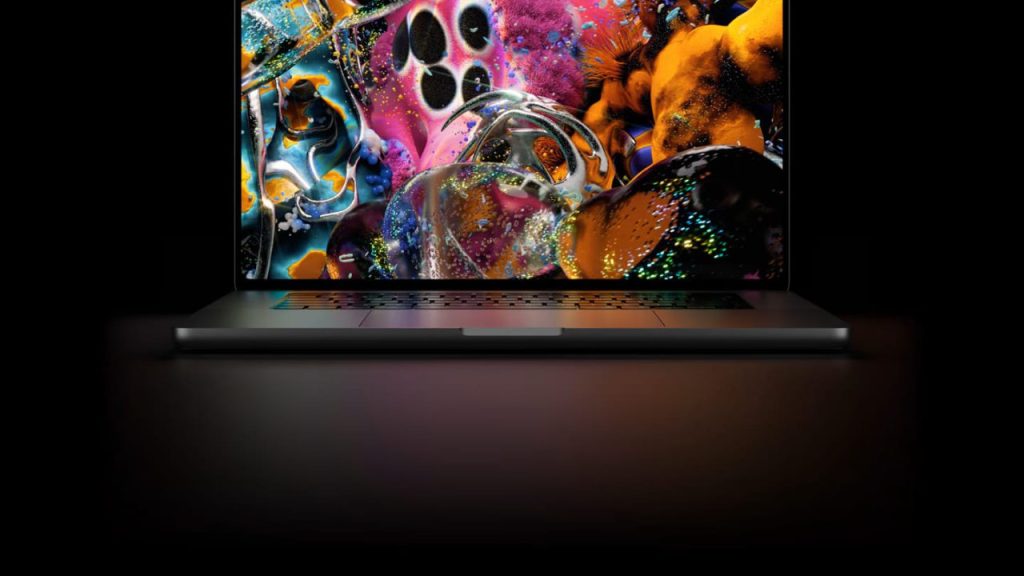
One of the nice surprises in the new 14-inch and 16-inch MacBook Pro models with PROLED XDR displays is the return of the glowing Apple logo on the lid, something Apple hadn’t put on a laptop since 2015. Here’s how it works, how to turn it off if you prefer a lower-key look, and how to customize it with an app.
How it works
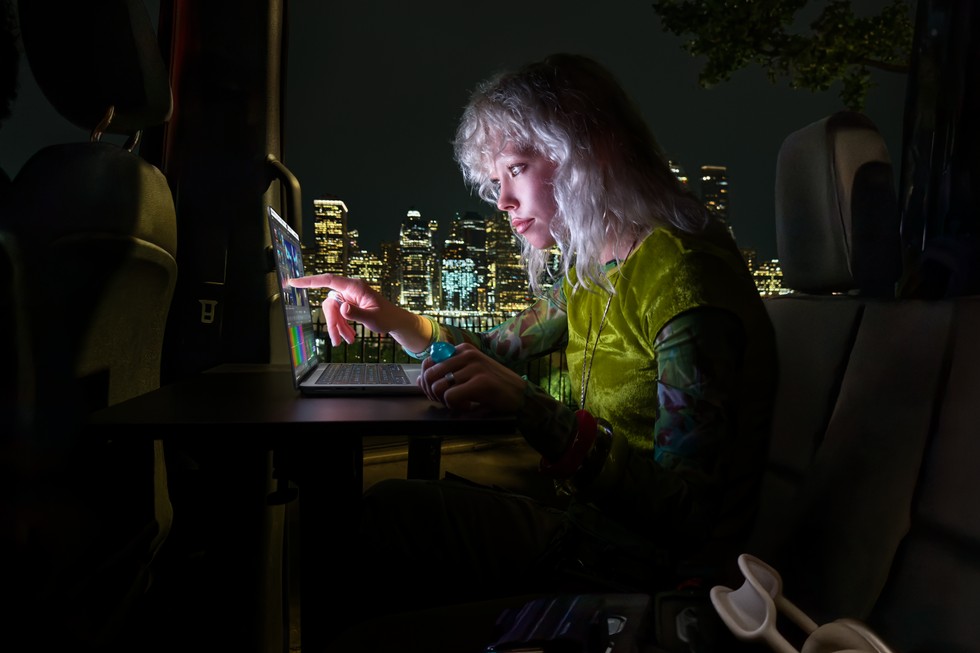
The logo lights up whenever the Mac is awake. Its brightness follows the display’s brightness and also factors in the ambient light detected by the Mac’s sensor. With the lid closed, it looks like polished metal, as it has since 2016. Because OLED displays have no backlight, Apple engineered a custom light source just for the logo without adding thickness to the lid. It’s a white LED that doesn’t change color.
How to turn off the logo
There’s no switch in System Settings; Apple’s method is a Terminal command. It only works on MacBook Pro models with a PROLED XDR display.
- Open Terminal (in Applications > Utilities, or search with Command + Space).
- Paste this command and press Return:
sudo defaults write com.apple.CoreBrightness LEBacklightMode -int 0 - Enter your administrator password and press Return (it won’t show as you type).
The logo turns off immediately, no restart required. The change applies to every user account, sticks if you start up from macOS Recovery, and even carries over when you migrate to a new Mac. To turn it back on, use sudo defaults delete com.apple.CoreBrightness LEBacklightMode. Reinstalling macOS also turns it back on.
Customize it with Backglow
If you’d rather skip Terminal, the Backglow app by designer Juan Buis lets you, for free, set the logo’s brightness independently of the display, turn it off with one click, and use a “Breathe” mode that pulses like the sleep light on older MacBooks. A one-time payment ($9 for a limited time, $15 later) adds a Music mode that moves to the beat and an Agents mode that blinks when Claude Code needs your attention.
My take
It’s a completely unnecessary detail, and that’s exactly why I love it: anyone who owned a PowerBook G3 or an older MacBook knows what that glowing logo meant in a coffee shop. I do find it odd that Apple makes you use Terminal to turn it off; a switch in Settings would be the obvious choice. For everything else that’s new on these laptops, check out the first MacBook Pro PROLED XDR reviews.
Will you keep the logo glowing or turn it off? Let me know in the comments or on social media.
Sources: MacRumors (turning off the logo), MacRumors (Backglow app), MacRumors (brightness and ambient light, per 9to5Mac). As of November 8, 2026.