
On November 5, Apple released the first public betas of iOS 27.3, iPadOS 27.3, macOS Golden Gate 27.3, tvOS 27.3 and watchOS 27.3, two days after the developer betas. If you want to try the new features now, here’s how to install it and what to keep in mind.
What’s new in iOS 27.3
- Safari: a Vertical Tabs layout and Adaptive Dark Mode.
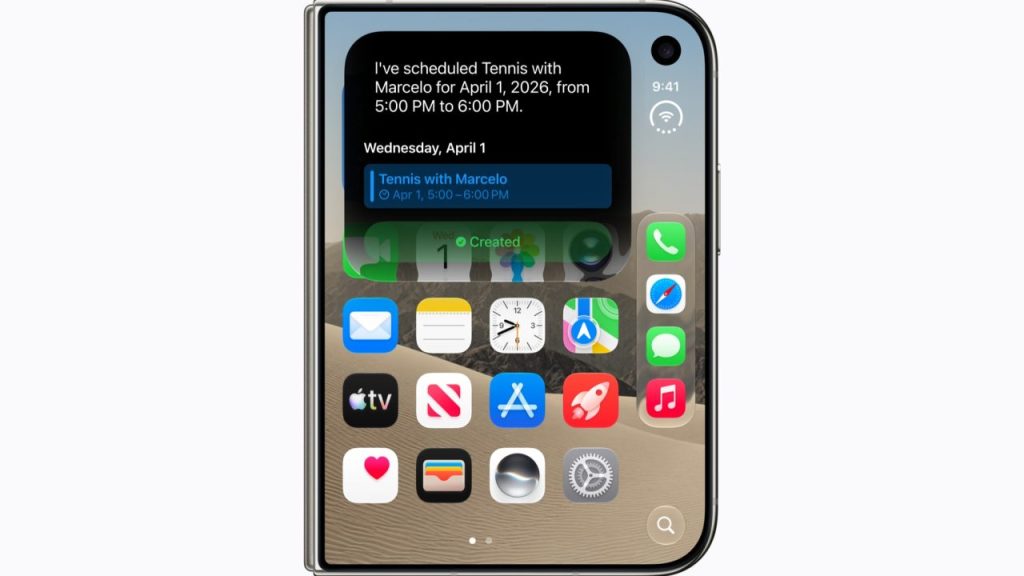
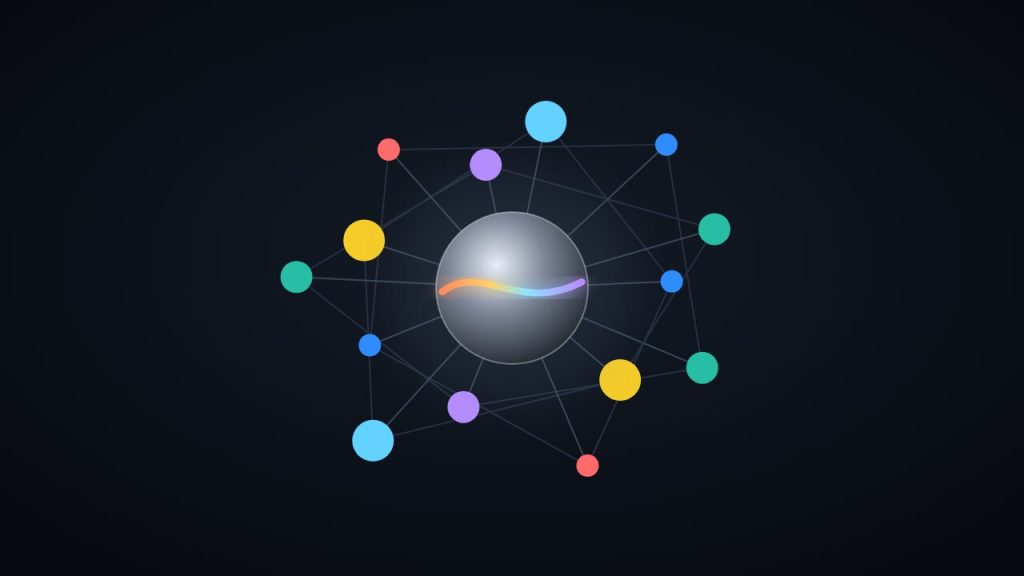
- Siri AI: can do more in and across Apple’s apps, and developers can now create actions for Siri.
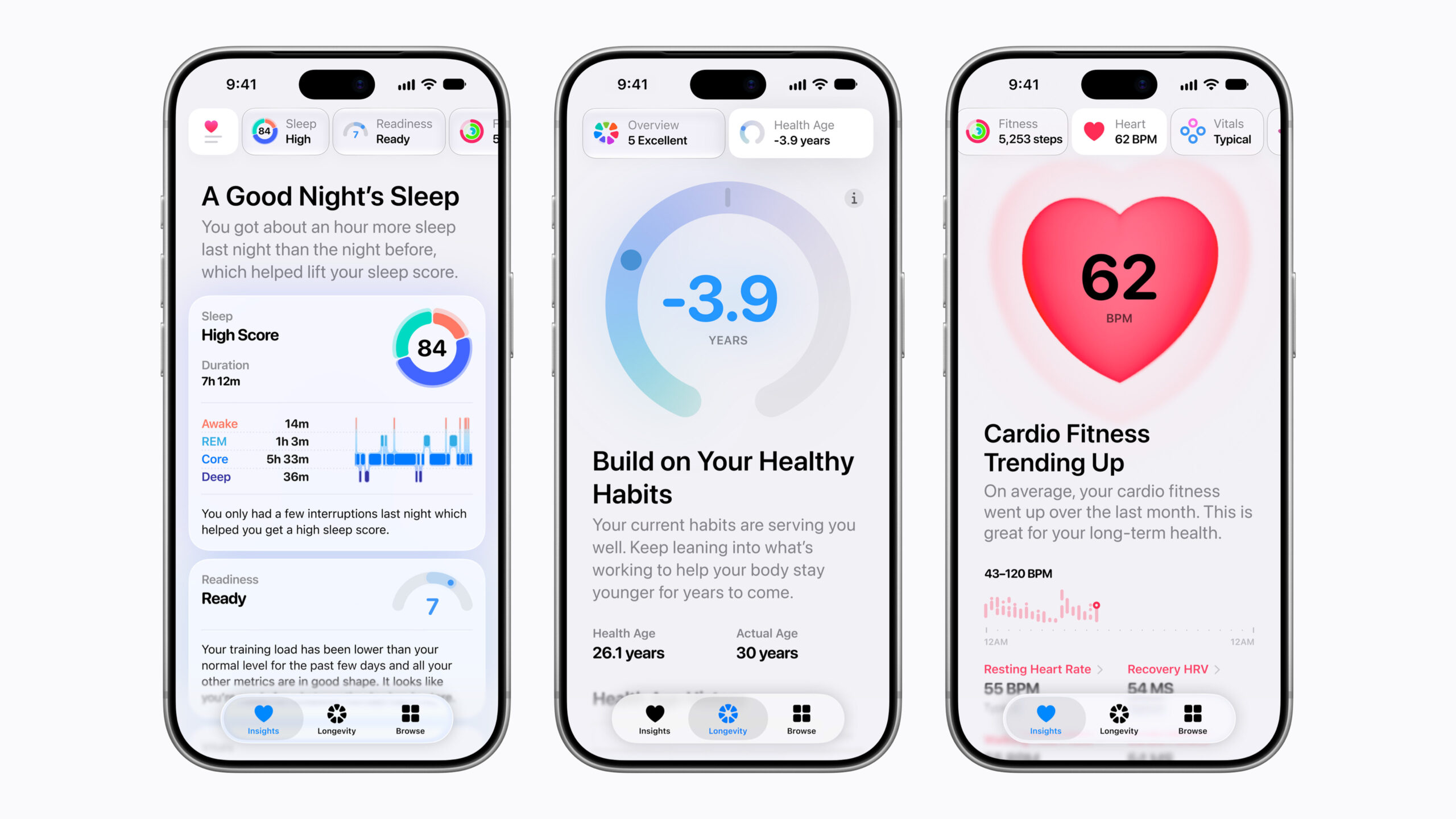
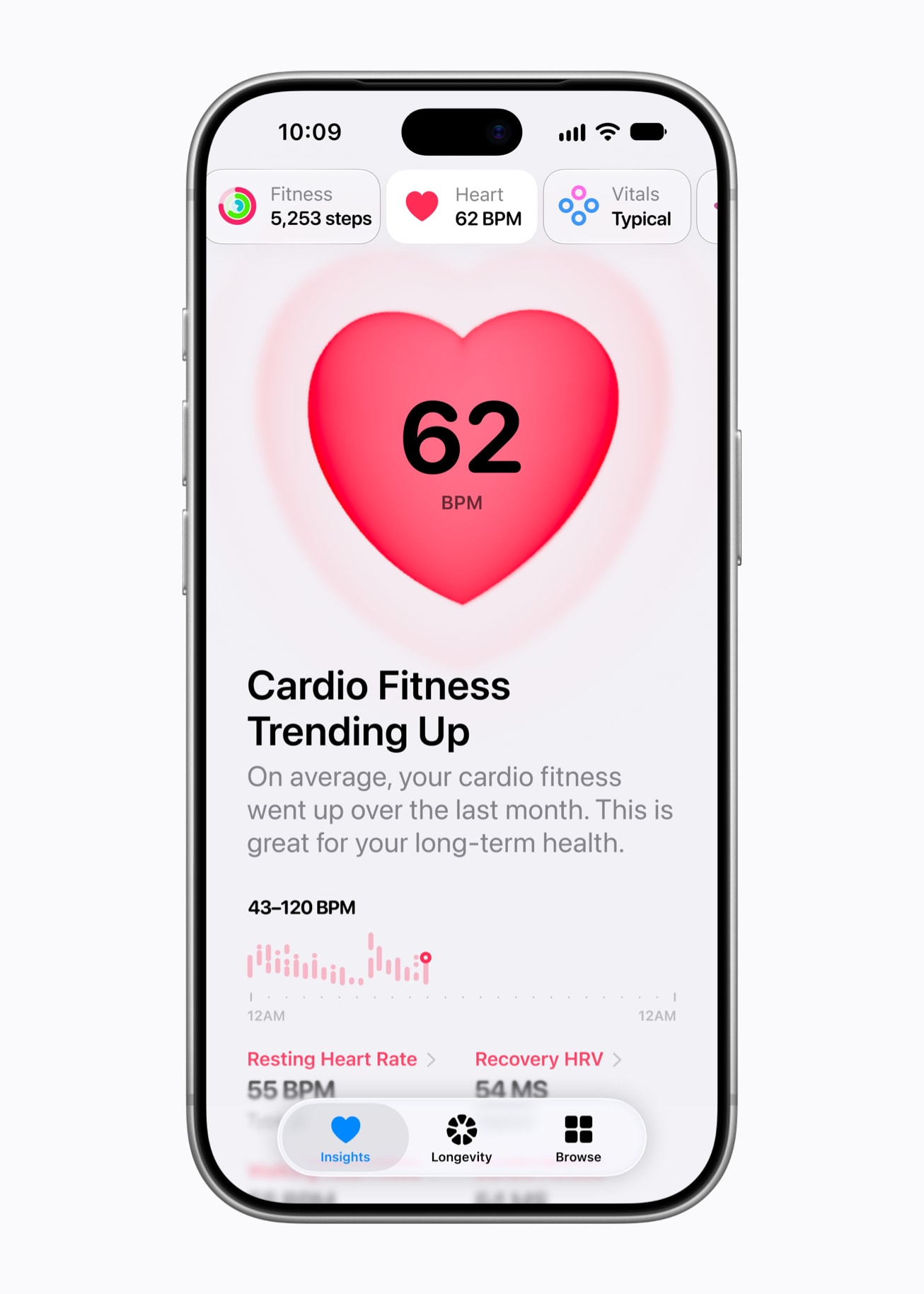
- Redesigned Health app: with custom Insights and Longevity information.
- iPhone Duo: gets Reachability for one-handed use.
- More: Selfie Sing in Apple Music, StandBy changes, and Live Rewind and Siri Recap on Apple Watch Series 12 and Ultra 4. On the Mac, Live Activities come to models without a Dynamic Island.
How to install the public beta
- Back up your iPhone to iCloud or your computer.
- Go to beta.apple.com, sign in with your Apple Account and enroll in the Beta Software Program.
- On your iPhone, go to Settings > General > Software Update and choose the iOS 27 public beta under Beta Updates.
- Download and install iOS 27.3 beta. On Mac, iPad, Apple TV and Apple Watch, it works the same way through each device’s Software Update section.
My take: is it worth it?
It’s one of the biggest point updates in years, but it’s still a beta: expect bugs, apps that misbehave and worse battery life. I wouldn’t install it on the iPhone you rely on for work or banking; if you have a secondary device, go for it. The final release is expected in December. I rounded up the rest of the week in La Keynote del Domingo #4, and what it means for apps in Siri AI opens up to all developers.
Are you installing the beta or waiting for December? Let me know in the comments or on social media.
Sources: MacRumors (iOS 27.3 and macOS Golden Gate 27.3 public betas). As of November 8, 2026.




Pingback: Siri memory: what's hidden in iOS 27.3 - Minchu