The first touchscreen Mac has been through iFixit’s teardown. Its repairability score for the MacBook Pro with PROLED XDR Display is 5 out of 10: one point higher than last year’s M5 MacBook Pro and one point below the MacBook Neo, Apple’s affordable laptop. It’s progress, but it’s still far from an easy laptop to fix. Here’s what iFixit found inside and what it means if you’re thinking about buying one.
What still makes repairs hard
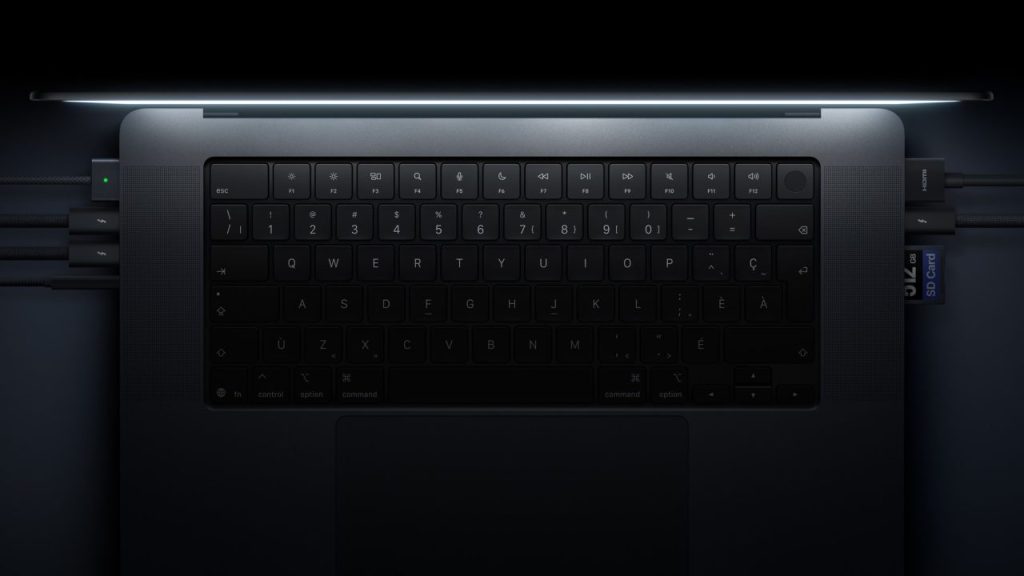
- USB-C ports: they’re separate parts, but replacing them means removing the entire logic board. The same goes for the headphone jack.
- Fans: they also require pulling the whole logic board.
- Everything soldered: the HDMI port, SDXC card slot, RAM and storage are soldered to the board. You can’t replace or upgrade them later.
The good news: a logic board swap no longer breaks Touch ID
This is the biggest improvement. After a logic board swap, the new MacBook Pro recognized the battery, display and Touch ID sensor, and True Tone, brightness controls and touch kept working. On last year’s M5 MacBook Pro, Touch ID calibration failed through Apple’s Repair Assistant. iFixit even enrolled a fingerprint using a donor board from another MacBook Pro with PROLED XDR Display.
An OLED display with two layers
The PROLED XDR display is a tandem OLED: it stacks two light-emitting layers for more brightness than a single-layer OLED. Under a microscope, iFixit saw that the blue subpixels are larger than the red and green ones. According to iFixit, that may reduce strain on the material and extend the panel’s lifespan.
How the Apple logo lights up
The logo on the lid is lit by a strip of four LEDs, working with a reflective layer and a diffuser to spread the light evenly. The trick that makes it look like polished metal when it’s off is a two-way mirror coating: it reflects when the LEDs are off and lets light through when they’re on. To get to the logo, though, iFixit had to destroy the OLED panel. If you want to turn it off or customize it, I explain how in this guide to the MacBook Pro’s glowing logo.

Where the weight savings come from
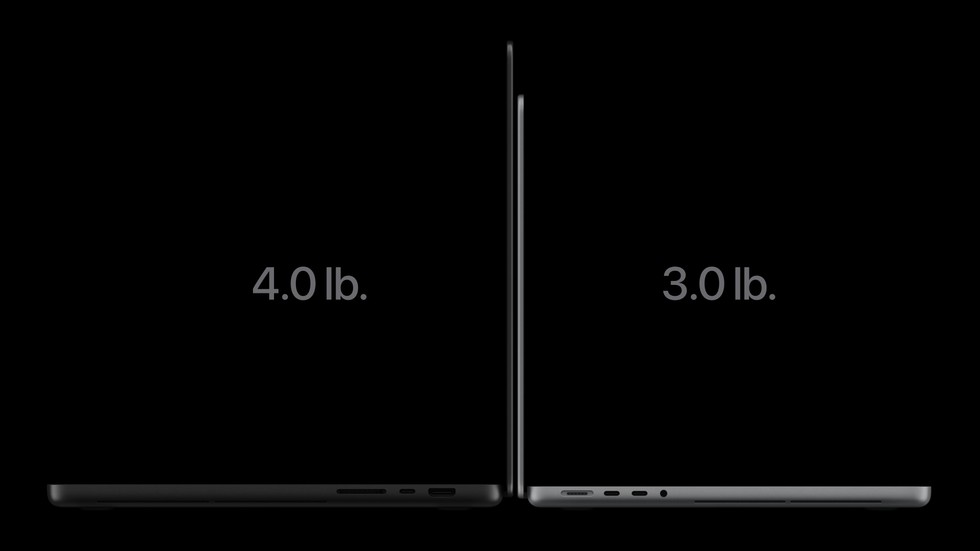
The new model weighs 3 lb (1.38 kg), versus 3.4 lb (1.55 kg) for the standard 14-inch MacBook Pro, and that’s with touch and the glowing logo added. According to iFixit, Apple cut 92 g from the chassis and 101 g from the display assembly. The battery is 2 g lighter, and the slightly smaller trackpad saves another 8 g.
What it means if you’re buying one
In the US, the 14-inch MacBook Pro with PROLED XDR Display starts at $2,899. Since the RAM and storage can’t be upgraded, the configuration you pick on day one is the one you’ll live with: if you’re torn between two, skimp on something other than memory. And if you’re worried about out-of-warranty repairs, remember that replacing a single USB-C port means taking out the logic board. If you’re still undecided, here’s what the first reviews say.
My take
A 5 is a bare pass, but things are moving in the right direction. The Touch ID change matters most to me: if a new board no longer disables the fingerprint sensor, independent repair shops get a real break. What I don’t get is why ports Apple has already made modular are still buried under the logic board. They’re exactly what breaks first on a laptop you plug and unplug every day. My usual advice: configure it for the next four or five years, because there’s no going back later.
Does repairability factor into your laptop choice, or do you only look at the display and performance? Let me know in the comments or on social media.
Sources: 9to5Mac (iFixit teardown), Apple Newsroom. Information as of November 14, 2026.