

Google is beating Apple on its own turf. The Gemini app for Mac now has a computer use feature that completes multi-step tasks by moving between your files, your desktop apps and the web. It arrives the same day we learned that Apple is building a team to create its own agent like this.
How it works
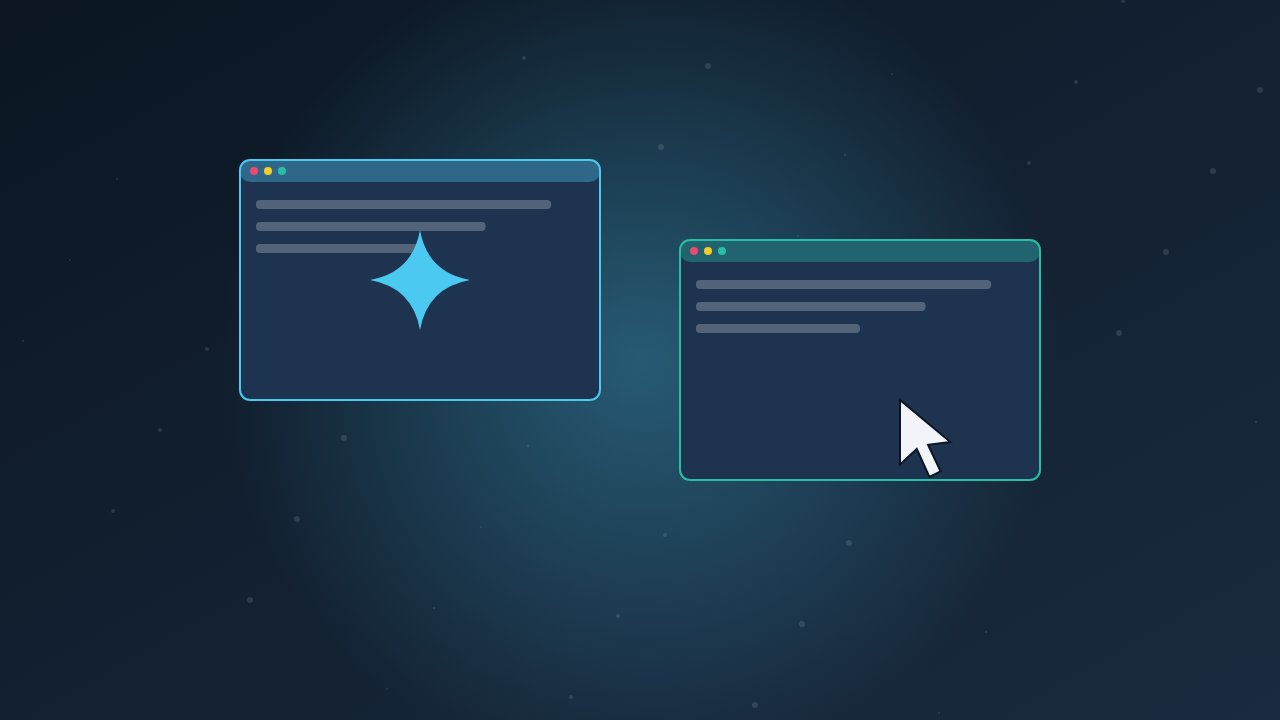
- Type “@Computer use” in your Gemini chat, followed by what you want done.
- It works in an isolated window in the background, so you can keep using your Mac in the meantime.
- You choose which apps it can access, and you can pause it at any time or have it ask before key actions.
What it’s actually for
The idea is to hand off tedious tasks that make you jump between apps today: pulling information from several websites into a document, organizing files in a folder or filling out forms with details already on your Mac. Google hasn’t published a fixed list of supported apps; it depends on what you allow. That’s where the new permissions in macOS 27.3 come in, letting you limit which folders and apps an AI agent can reach.
Availability
Computer use is rolling out in the Gemini app for Mac in English, in the U.S. only. Google hasn’t given a date for other countries or languages. If you’re in the U.S., update the app and try it with a low-stakes task first so you can see how it handles your apps before trusting it with anything important.
My take
I like that Google put the controls front and center: choosing apps, pausing and approving actions are the bare minimum for trusting something that touches your files. What gives me pause is handing that much access to a third-party app. That’s exactly where Apple could stand out if its own agent runs inside the system with its privacy approach, but right now Google is the one with a shipping product.
Would you give Gemini access to your apps? Let me know in the comments or on social media.
Sources: Google, The Verge, Bloomberg. Data as of November 20, 2026.