
AI agents that operate your Mac for you need a lot of access to work, and until now a single click was enough to hand them everything. The macOS 27.3 beta changes that: Apple nudges you to grant access only to the folders or apps that are needed, explains more clearly what you’re allowing, and shows a menu bar indicator when one app is controlling another. Apple told developers about the changes on November 16, alongside the second beta.
What’s changing
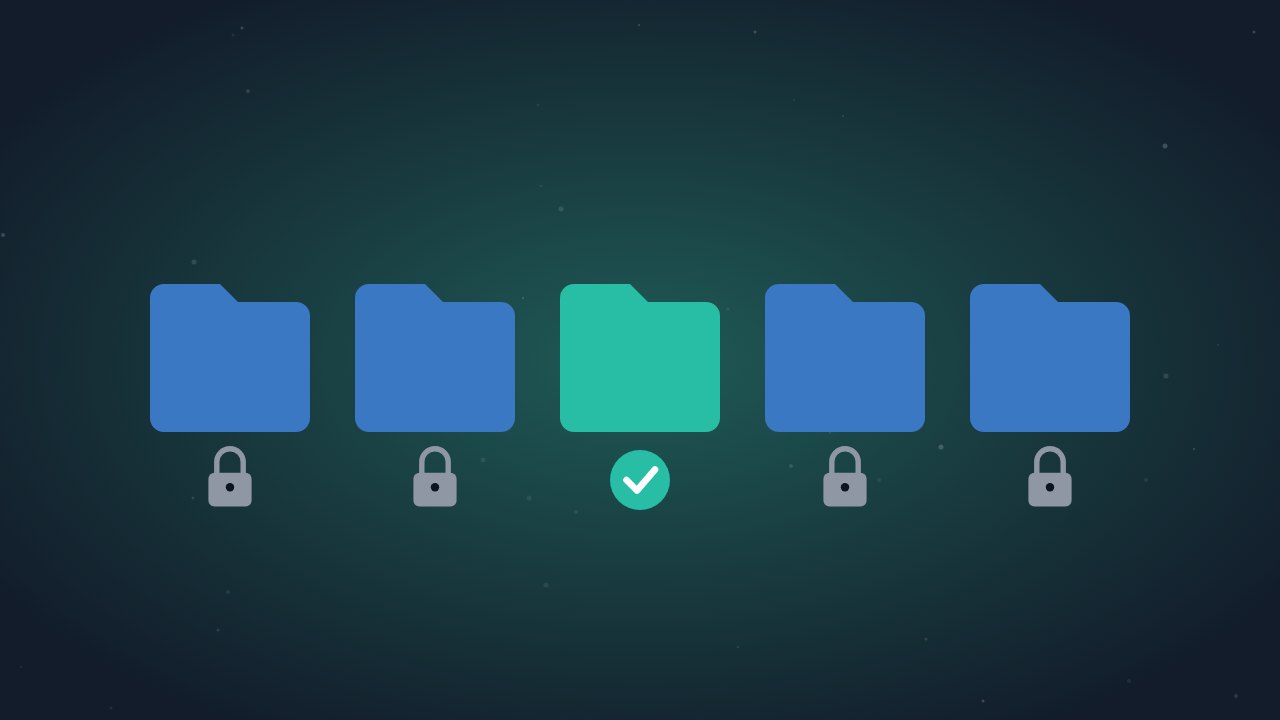
- Full Disk Access, by folder: when an app asks for it, macOS will suggest giving it only the folders it needs instead of the whole disk.
- One setting becomes two: the current Device Control and Data Access setting splits into System & App Protection Override (for apps that control other apps) and Accessibility.
- Per-app control: you can limit which apps an automation tool may operate, say Mail but not Messages, and require it to ask every time.
- Clearer warnings: before you grant full access, macOS spells out what data the app will be able to reach.
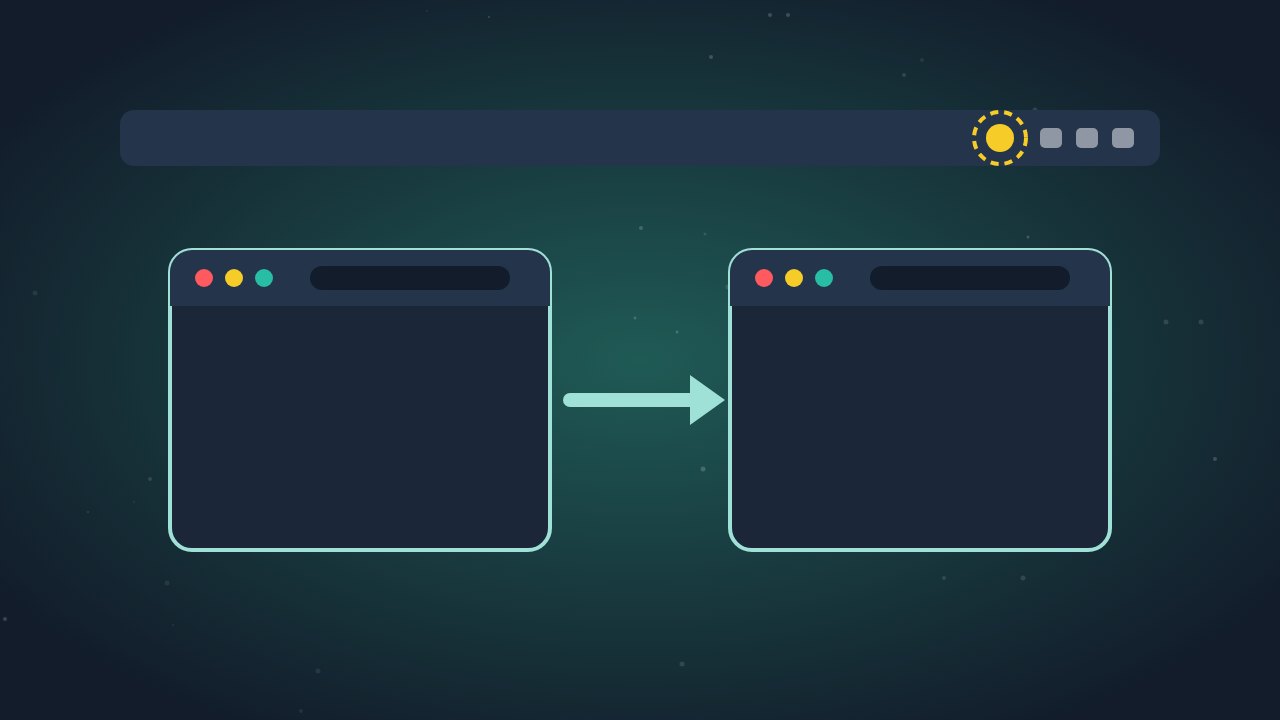
- Menu bar indicator: it appears whenever one app is controlling another.
Why now
Apple said back in October that it would revise these settings, because some apps were using Full Disk Access in ways that could expose everything on a Mac. With AI agents that read files, write emails or fill out forms for you, that permission has become far more sensitive: it’s the door to your messages, documents and backups.
What happens to existing permissions
Permissions you granted before macOS 27.3 stay in place, so your apps won’t stop working after the update. Still, it’s worth opening System Settings, going to Privacy & Security and checking which apps have Full Disk Access today. Chances are a few of them don’t need it anymore.
When it ships
The changes are in the macOS 27.3 beta, and the final release is expected in December, with no exact date yet. If you want to try it early, here’s how to install the 27.3 public beta, though I wouldn’t put it on the Mac you work on.
My take
This is a sensible and overdue change. Full Disk Access was something almost all of us approved without reading, and that doesn’t fly with AI agents: an app that can read everything and also move the mouse for you is a lot of power for one click. Allowing only certain folders or apps, plus a menu bar indicator, is exactly what was missing. The question is whether the makers of these tools adapt well, or whether we end up with a flood of prompts people approve without looking, which is the usual risk.
Do you use an AI agent on your Mac? Did you give it Full Disk Access? Tell me in the comments or on social media.
Sources: MacRumors, AppleInsider, ShiftDelete. Information as of November 18, 2026.