Time to update. On November 9, Apple released iOS 27.2.1, iPadOS 27.2.1 and macOS Golden Gate 27.2.1, updates with no visible new features but with security fixes. They arrive two weeks after iOS 27.2, alongside patches for nearly every Apple device, including ones that can’t run the latest software.
What they fix
According to Apple’s security notes, iOS 27.2.1 and iPadOS 27.2.1 fix nine vulnerabilities across several components. The most notable:
- Messages: a flaw that could let an attacker join an iMessage group chat and receive its messages.
- AirPlay: fixes related to pairing code limits.
- Bluetooth: fixes to the pairing process.
Apple hasn’t said these flaws were being actively exploited, but since they involve messaging and wireless connections, it’s worth not putting this one off.

Which version you get
- iPhone 11 or later: iOS 27.2.1.
- iPhones that stayed on iOS 26: iOS 26.7.3.
- iPhones that stayed on iOS 18: iOS 18.7.12.
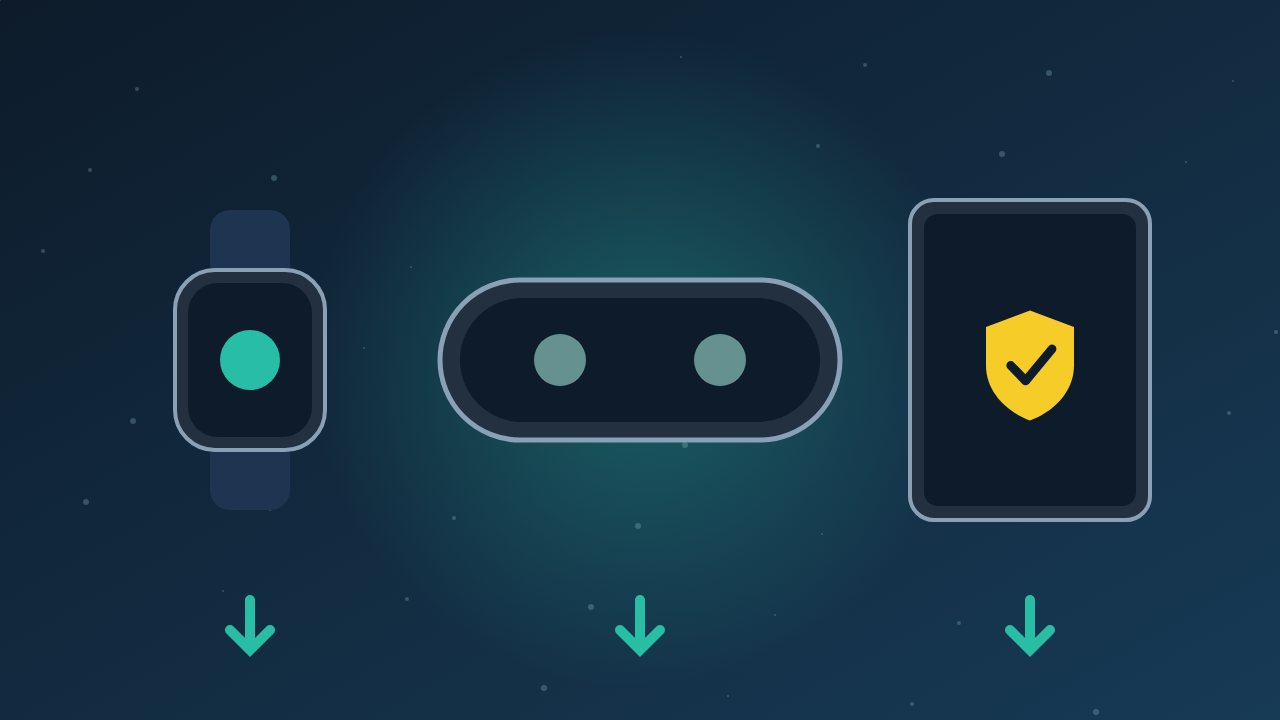
- iPad: iPadOS 27.2.1, 26.7.3 or 18.7.12, depending on the model.
- Mac: macOS Golden Gate 27.2.1, Tahoe 26.7.3 or Sequoia 15.8.3.
- Apple Watch: watchOS 27.2.1 or 26.6.1.
- Apple Vision Pro: visionOS 27.2.1.
How to update
On iPhone or iPad, go to Settings > General > Software Update. On a Mac, open System Settings > General > Software Update. It’s free and you don’t need a computer. If you’re testing the iOS 27.3 beta, here’s how to install it and what it brings.
My take
This is the kind of update people skip because it “doesn’t add anything,” and that’s exactly why you should install it. What I appreciate most is that Apple keeps patching iOS 18 and iOS 26: if there’s an old iPhone in the house for your parents or kids, it’s protected too. Five minutes well spent.
Do you update right away or wait a few days? Let me know in the comments or on social media.
Sources: Apple (iOS 27.2.1 security content), MacRumors, 9to5Mac, Beebom. As of November 15, 2026.