
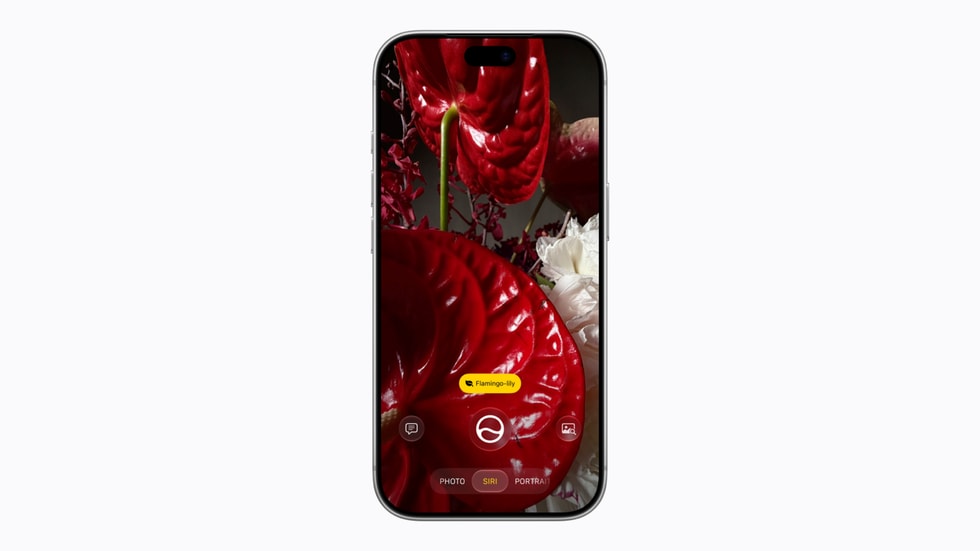
With Siri AI, Apple’s assistant can read what’s in your apps to give better answers. If there are apps you’d rather keep out of it (your bank, a health app, a messaging app), iOS 27.2 makes that much easier: the old App Access toggles are gone, replaced by a new feature called Excluded Apps that puts everything in one list.
What’s different
Before, keeping an app away from Siri meant going into the Apple Intelligence & Siri settings and flipping several toggles per app, like “Learn from this App” and the suggestion options. Some only controlled on-device personalization, and keeping content out of search results required turning off yet another switch buried in each app’s settings. With Excluded Apps, you add an app once and it’s unavailable to Siri, Search and suggestions.

How to exclude apps
- Open Settings on your iPhone (iOS 27.2 or later).
- Tap Siri.
- Tap Excluded Apps.
- Tap Add Apps, select the apps you want to exclude, then confirm.
To let an app back in, open the same menu, tap Edit, tap the minus button next to the app, and confirm with the checkmark at the top.
What stops working
Excluding an app has trade-offs. The Electronic Frontier Foundation found that excluding Messages means Siri AI can no longer read or reply to your messages. And onscreen awareness, where you ask Siri about what you’re looking at, stops working in any excluded app.
My take
It’s a small change with a big privacy payoff: keeping an app away from Siri used to be so confusing that few people did it right. My advice: exclude apps with sensitive data you don’t need Siri for (banking, health, passwords) and keep the ones you actually use with the assistant, like Messages or Calendar. Now that any app can plug into Siri AI, having one clear list matters even more.
Which apps are you keeping away from Siri? Let me know in the comments or on social media.
Sources: MacRumors (Excluded Apps in iOS 27.2), EFF (effects of excluding Messages). As of November 8, 2026.