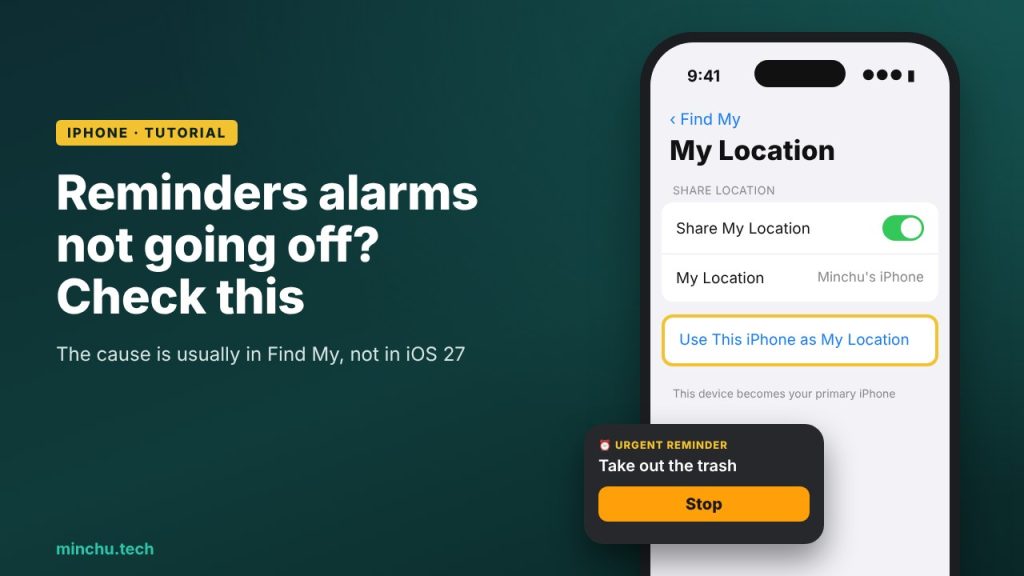
Since iOS 26.2, the Reminders app lets you mark a reminder as urgent so it goes off like a real alarm, with sound even when your iPhone is on silent. It’s one of those small features that changes your daily routine… when it works. Because quite a few people are finding that the alarm doesn’t go off, and the cause isn’t in Reminders, but in a setting almost nobody looks at.
Why the alarm doesn’t go off
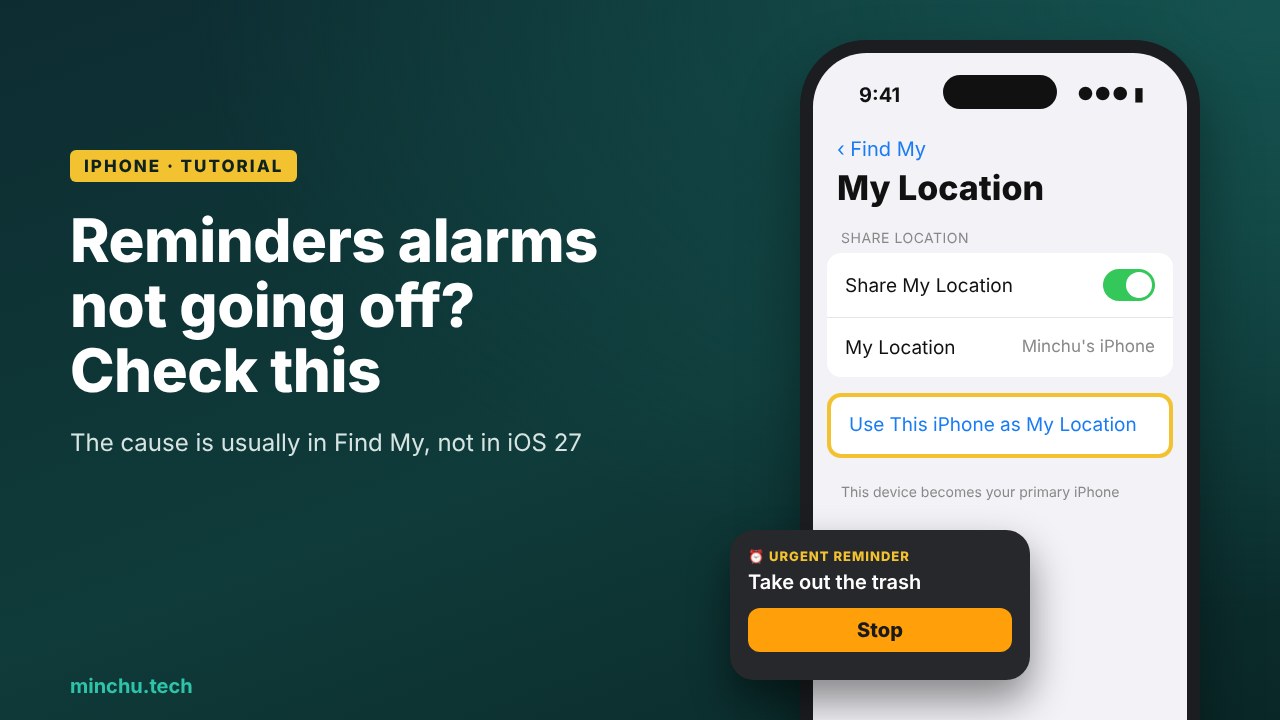
According to Applesfera’s tests, the problem shows up when your iPhone isn’t set as the main device for your location in Find My. If you have an iPad, a Mac or an old iPhone on the same account and one of them is the one sharing your location, the system may decide the alarm shouldn’t go off on the iPhone you’re carrying.
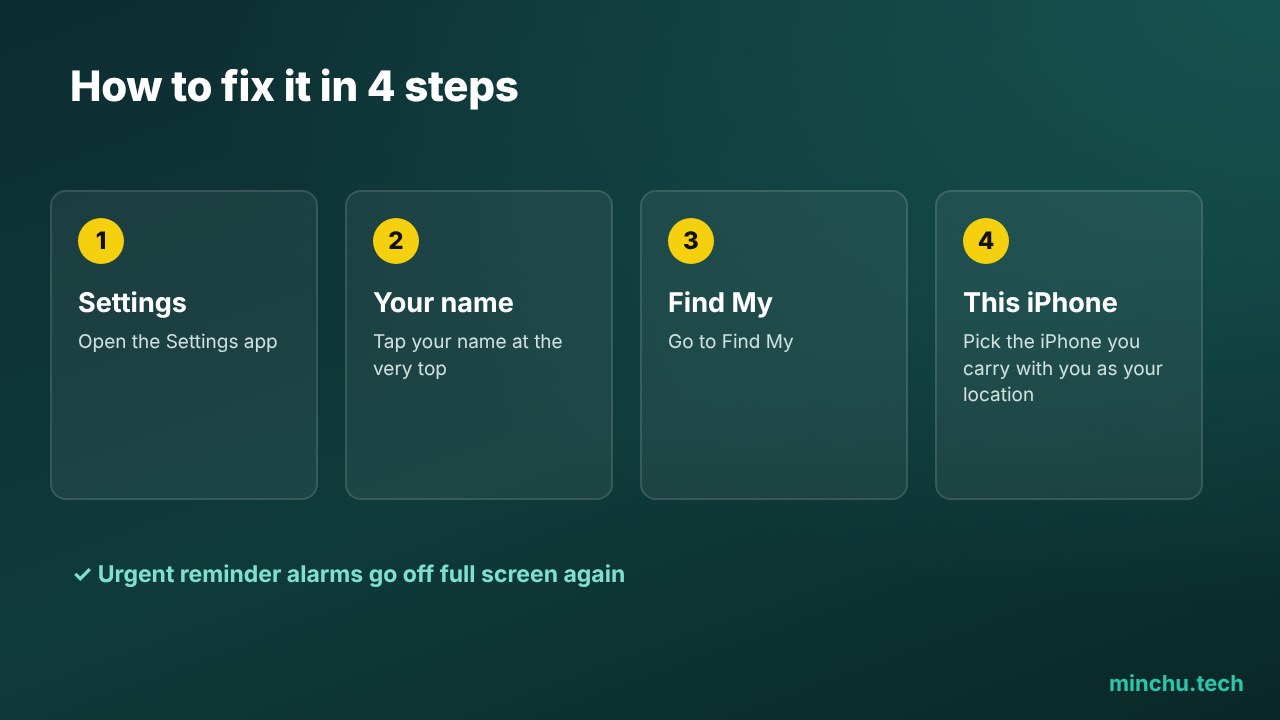
How to fix it, step by step
- Open Settings on your iPhone.
- Tap your name at the very top.
- Go to Find My.
- Tap Use This iPhone as My Location.
If you already see “This Device” under “My Location,” your iPhone was already the main one and the problem is somewhere else. In that case, check that Reminders notifications are turned on in Settings > Notifications > Reminders and that you don’t have a Focus blocking them.
How to create a reminder with an alarm
When you create or edit a reminder, turn on the date and time and check the Urgent option. With iOS 27.2 it’s even easier to see: reminders with alarms now show an alarm icon right in the list, so you can tell at a glance which ones will go off.
My take
I use urgent reminders every day and think they’re one of the best things Apple has added to iOS in a long time. But having them depend on a Find My setting isn’t intuitive, and Apple should warn you about it when you set your first alarm. If it’s happened to you, try this setting and let me know if it worked.
Sources: Applesfera, Apple Support.