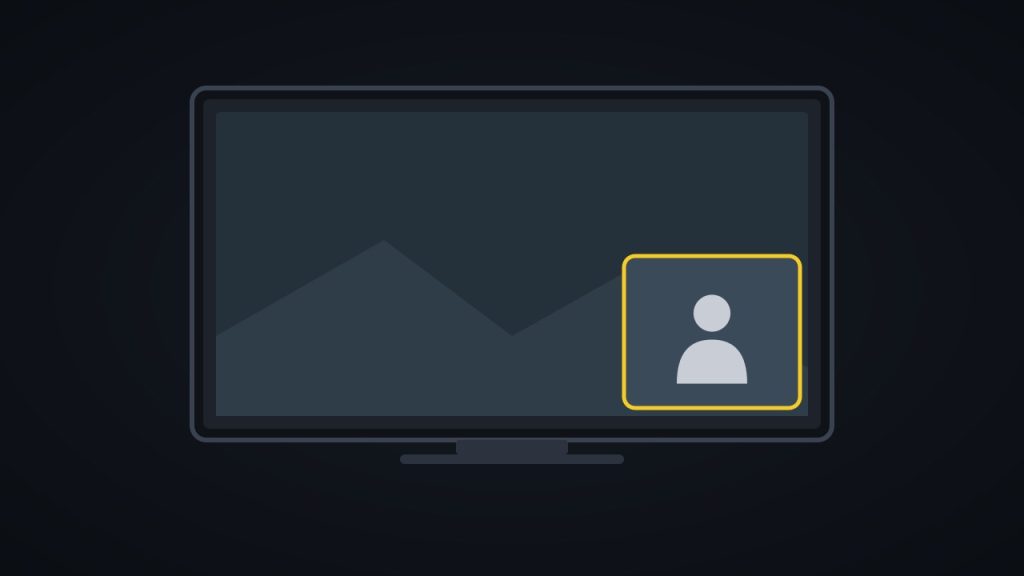
An accessibility feature many people have been asking for. Since November 13, the Apple TV app lets you watch select movies with a sign language interpreter in the bottom-right corner of the screen. It launched with the global streaming premiere of “Being Heumann,” and for now it supports American and British Sign Language.
Which movies support it
- “Being Heumann”: the film about disability rights activist Judy Heumann, played by Ruth Madeley. It debuts the feature with American Sign Language (ASL). The interpretation was directed by Daniel Durant, a Deaf actor who also appears in the film.
- “F1”: with ASL and British Sign Language (BSL).
- Later this year: “Way of the Warrior Kid” and “Greyhound,” with more Apple Originals to follow.
Supported titles carry a Sign Language icon, and the app has a new “Movies & Shows with American Sign Language” collection to help you find them.
How to turn it on
- You need iOS, iPadOS, macOS, tvOS or visionOS 27.2 or later, or a supported third-party device running the latest Apple TV app.
- Turn on Sign Language in the Apple TV app’s settings.
- During playback, bring up the controls and tap the Sign Language button.
It’s included with an Apple TV subscription at no extra cost.
My take
Captions tell you what was said, but not how it was meant, and for many Deaf people sign language is their first language. Doing this with Deaf interpreters rather than a generated avatar is the right call, and starting with “Being Heumann” makes perfect sense. My one wish: more sign languages. ASL and BSL cover the US and UK, but Deaf viewers elsewhere use their own national sign languages. If you’re in the US, it’s also a good reason to update to 27.2, as older Apple TVs now get Siri AI too.
Do you know someone who would benefit from this feature? Let me know in the comments or on social media.
Sources: Apple Newsroom, Cult of Mac, The Streamable, iDrop News. As of November 13, 2026.